Secret history
Since version 5.7.0, passbolt supports the configuration of Secret history.
Secret history is currently in beta, the entry in the administration menu carries a beta chip.
How does it work?
When a secret is updated, passbolt keeps the previous revision instead of discarding it. The history covers the whole encrypted secret (password, TOTP, note), not the resource metadata such as the name, username, URIs or description.
Users who have access to a resource can view the past revisions of its secret by selecting Secret history in the more button menu or in the right-click contextual menu. Revisions created before the resource was shared with a user are not visible to that user, and when a user loses access to a resource, their copies of the past revisions are deleted.
Viewing a past revision is recorded as a secret access and appears in the resource activity, in the same way as viewing the current secret.
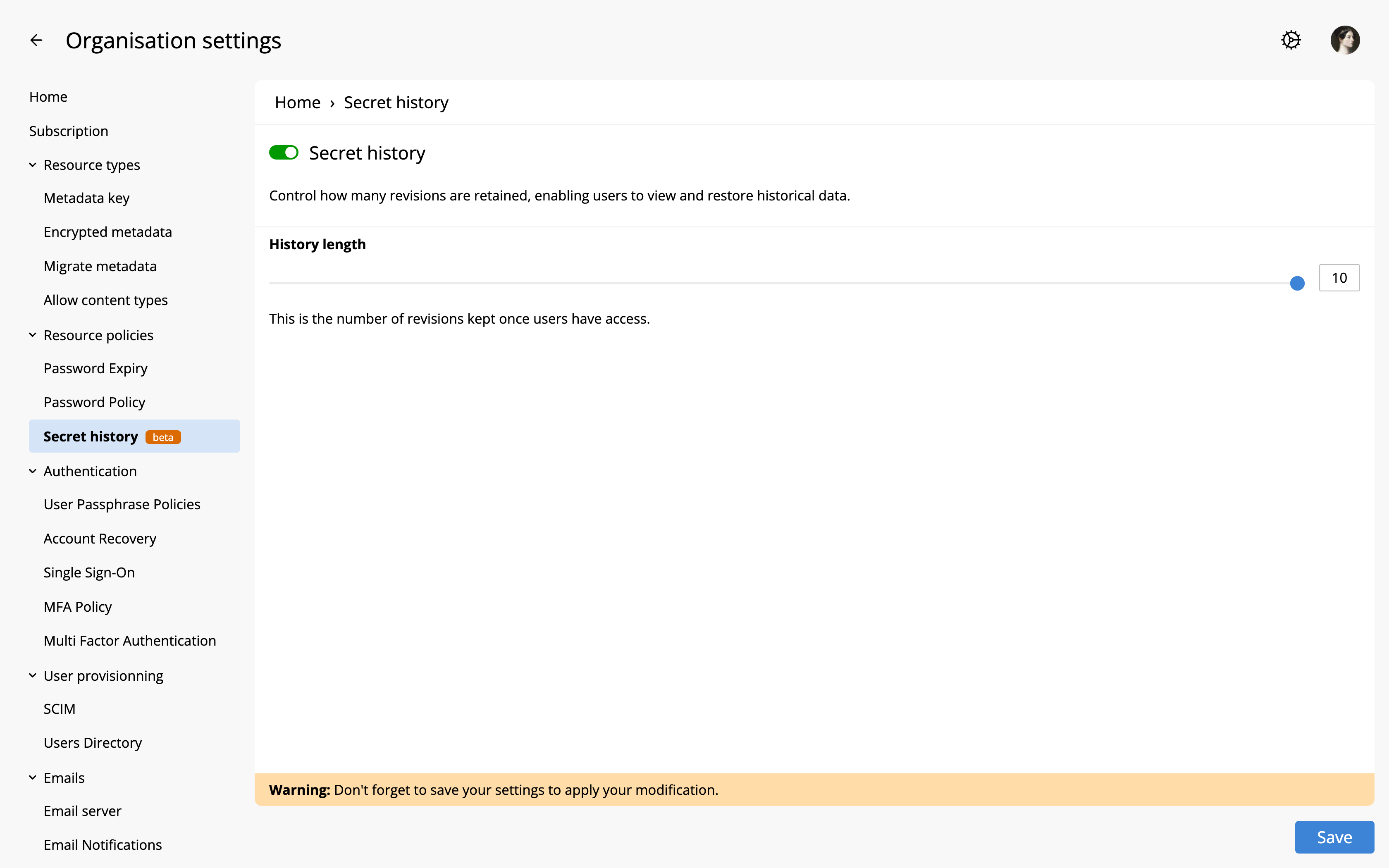
Administrators control how many revisions are retained from Organisation Settings > Resource policies > Secret history.
Secret history settings
Secret history toggle
Enables or disables the feature for the organisation. The plugin is loaded by default, but the feature stays off: no past versions are kept or shown until an administrator saves the settings.
History length
This is the number of past revisions kept once users have access. The value can be set between 1 and a maximum defined by the server configuration, which is 10 by default.