Admin onboarding
Setting up passbolt for your organisation involves a few key decisions, from structuring your folders and groups to configuring recovery and access policies. A well-planned rollout keeps day-to-day administration simple and access secure from the start.
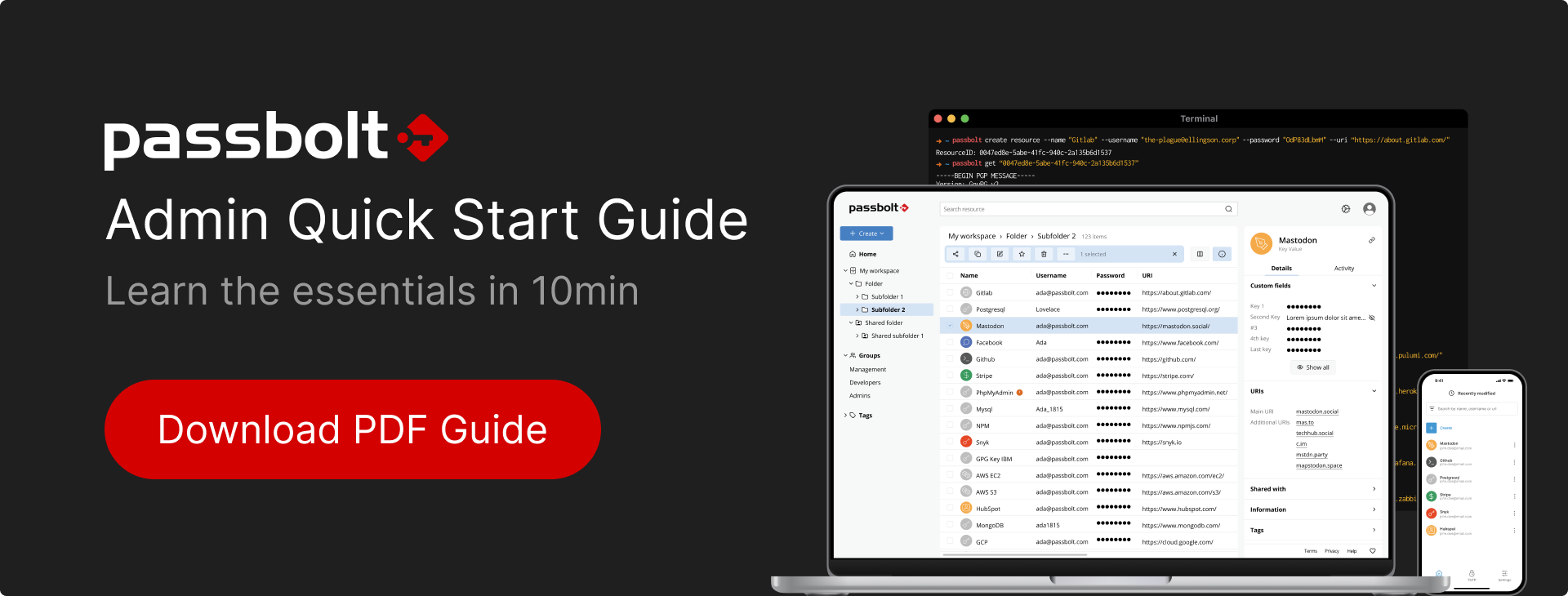
To help with this, passbolt provides an admin quick start guide that walks you through the essential steps to get up and running.
Available resources
The following resources are available to help you set up and administer passbolt:
- Admin PDF presentation: a step-by-step guide to setting up passbolt for your organisation. Download the PDF.
- Google Slides template: a customisable version of the guide that you can adapt to your organisation's rollout. Make a copy of the template.
- Admin Guide: the in-depth admin guide for more detailed configuration and reference.
What the guide covers
The guide walks through the essential steps to set up passbolt:
- Gathering and cleaning up your existing credentials.
- Designing a folder architecture and groups that mirror your organisation.
- Applying the principle of least privilege when sharing.
- Importing your credentials into the right folder structure.
- Setting up the organisation recovery key before importing users.
- Configuring role-based access control to allow or restrict specific actions.
- Bringing your team on board with user and group provisioning (LDAP, SCIM, or self-registration).
- Sharing folders and managing permission tiers.
- Onboarding and offboarding checks, including password expiry and credential rotation.
Feedback
Can't find the onboarding material you need? We'd love to hear from you.
Get in touch with the passbolt team if:
- You need additional onboarding resources.
- An important topic is missing.
- You have suggestions for improving future versions.
Your feedback helps us make passbolt easier to adopt across organisations.