Internationalisation
passbolt has two language settings: an organisation default that administrators set, and a personal preference that each user can set on their own profile. Both are labelled "Language" in the interface, so this page refers to them by where they live.
Set the organisation default language
Go to Administration > Internationalisation, choose a language in the Language field, described in the interface as "The default language of the organisation.", then save.
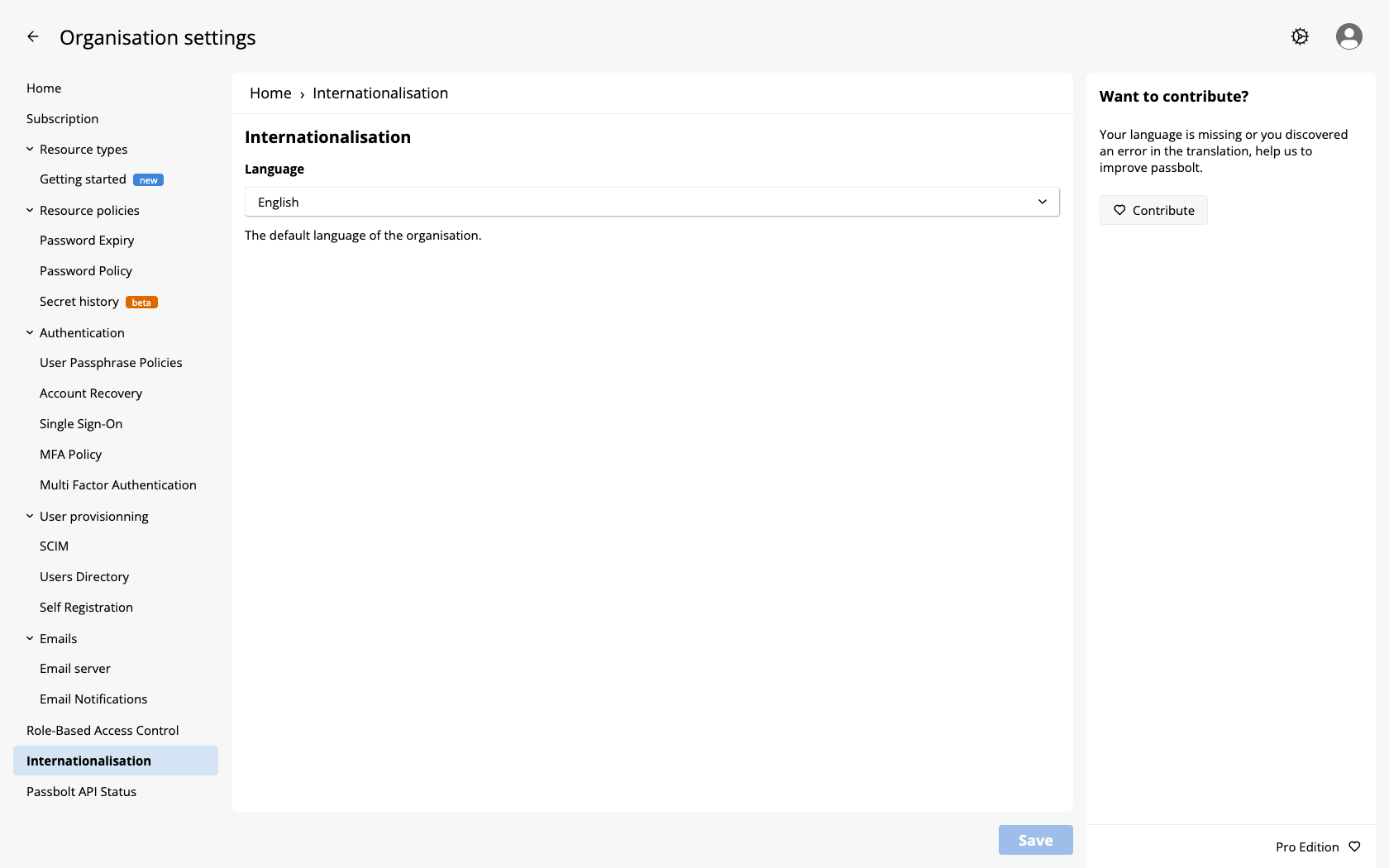
The list of available languages depends on your passbolt version, so open the Language dropdown to see what your instance offers.
passbolt is developed in British English, which is the source language and is therefore always complete. Every other language is translated by the community through CrowdIn, so expect two kinds of gaps:
- A language can be partly translated, which is what the "(beta)" label on some entries of the dropdown means.
- Even a well covered language lags behind new releases: the strings added by a new feature stay in British English until someone translates them.
Untranslated parts of the interface simply appear in British English, so choosing such a language is not a broken experience, only a mixed one. To add a language, or to improve an existing translation, see the translation contribution guide.
On a fresh instance no organisation default is stored yet, and passbolt falls back to British English (en-UK, not en-US). Saving this screen for the first time creates the setting.
Which language a user actually sees
passbolt resolves the language of a page in this order, and the first match wins:
- A
localeparameter in the requested URL, when it is present and valid. This is how an invitation link can open the setup screens in a given language. - The language preference of the signed-in user, taken from their profile.
- The organisation default set on the Internationalisation screen.
- British English, when no organisation default has been saved.
Screens shown before signing in, such as the login, the setup and the account recovery screens, have no user to read a preference from, so they follow the organisation default.
APP_DEFAULT_LOCALE, listed in the environment variables reference, is a CakePHP-level setting. It is not the fallback of the chain above: when no organisation default is stored, the interface falls back to British English. Set the organisation default on this screen rather than relying on that variable.
Changing the default when the instance already has users
Changing the organisation default does not change the language of users who already have a preference of their own, and most existing users do have one. A preference is recorded when a user registers, when they complete their setup, and when they complete an account recovery, taken from the organisation default in force at that moment, or from the locale parameter of their invitation link. On an instance that has been running for a while, changing this setting can therefore appear to do nothing.
The organisation default governs users who have no preference recorded, and everything shown before sign-in. To change the language of an existing user, change it on their side, in their profile under Edit > Language: there is no bulk action in the interface.
The language of emails
Each email is prepared in the language of its recipient: their own preference, or the organisation default when they have none, or British English. Two consequences are worth knowing:
- The language is resolved when the email is queued, not when the cron job sends it, so changing a preference does not re-translate the emails already waiting in the queue.
- An email addressed to someone who has no passbolt account is prepared in the language of the organisation.