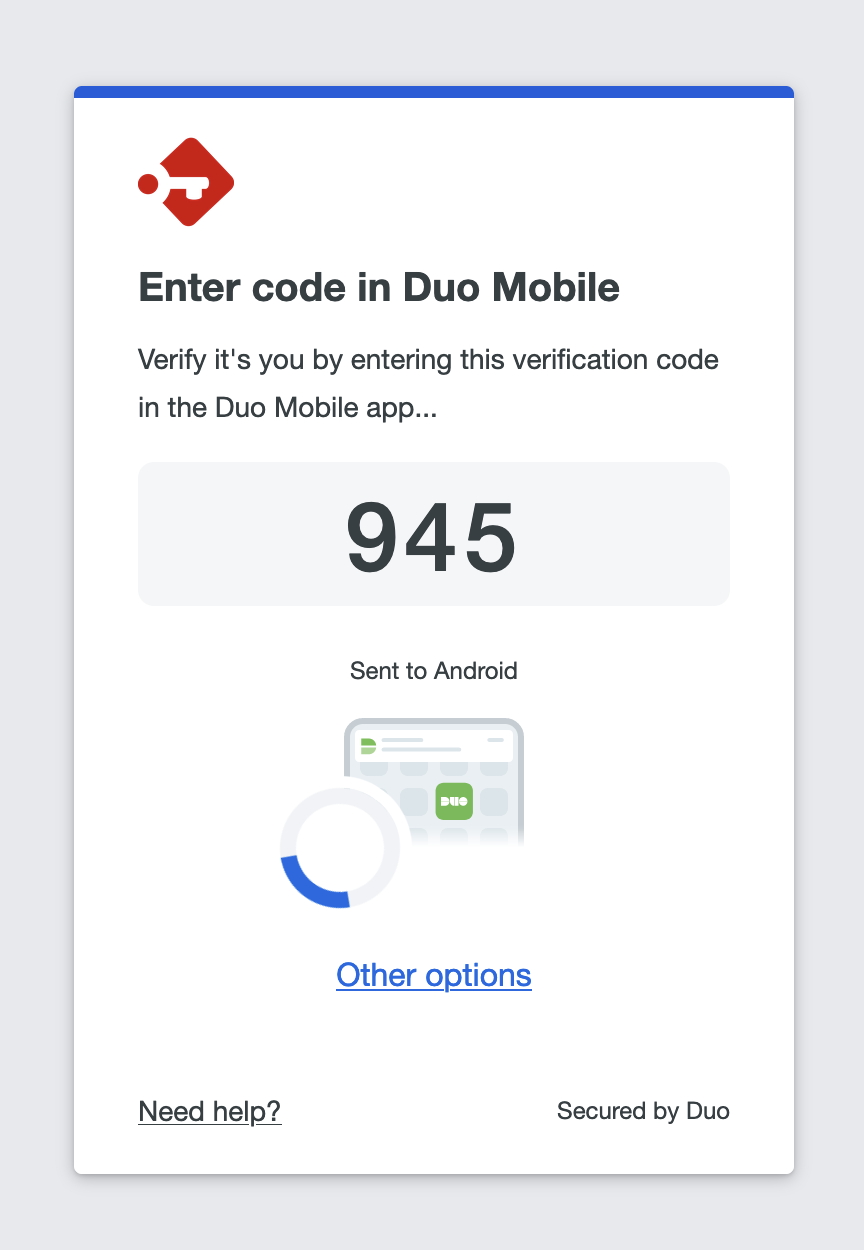
How to configure your account with Duo
Setup Duo
To setup Duo as multi-factor authentication method, navigate to the multi-factor authentication user settings page: Avatar > Manage Profile > Multi Factor Authentication. Select the provider "Duo MFA" to continue.
The next step will require you to start the Duo authentication process. Click on "Sign-in" when you are ready.
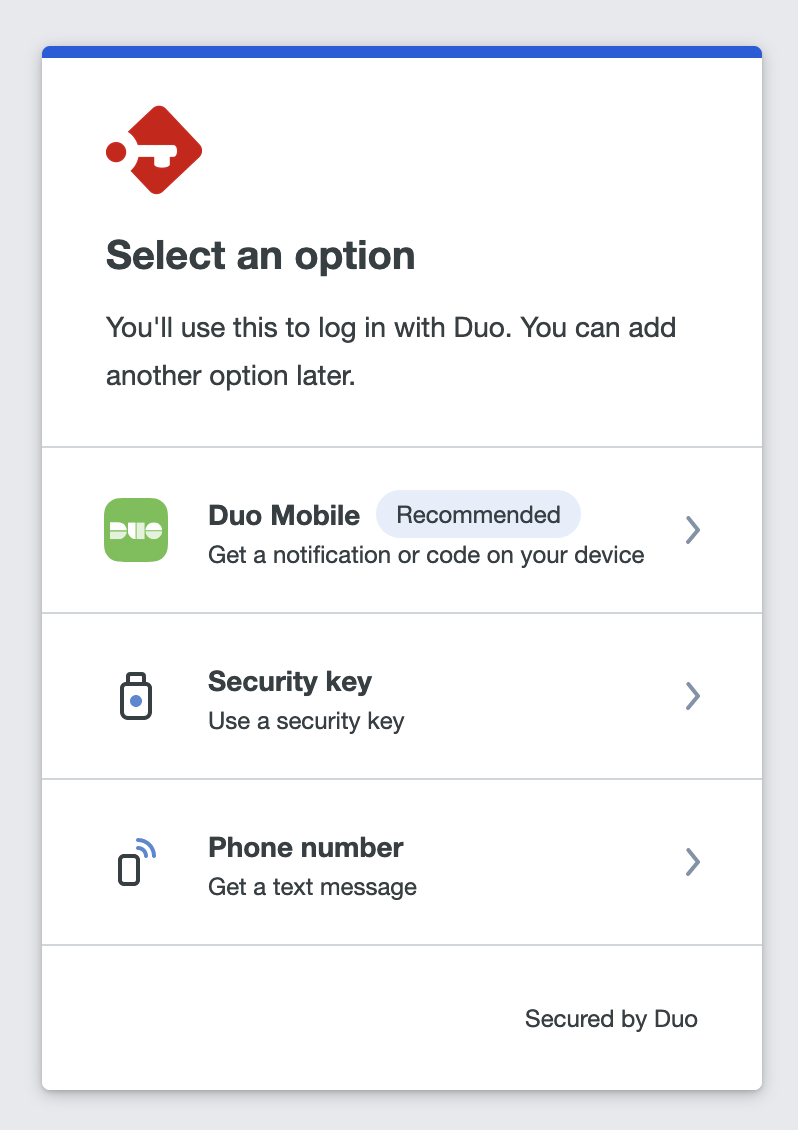
If this is the first time you are using Duo with this user and this server, you will be asked to link one or more device(s) to Duo to authenticate with.
Authenticate with Duo
After setting up Duo, each time you sign-in to Passbolt, you'll be prompted to authenticate with the method you have chosen during the setup. Additionally, if permitted by the "Multi-factor Authentication Policy", passbolt can remember your MFA authentication for a month.