How to configure your account with Yubikey
Setup YubiKey
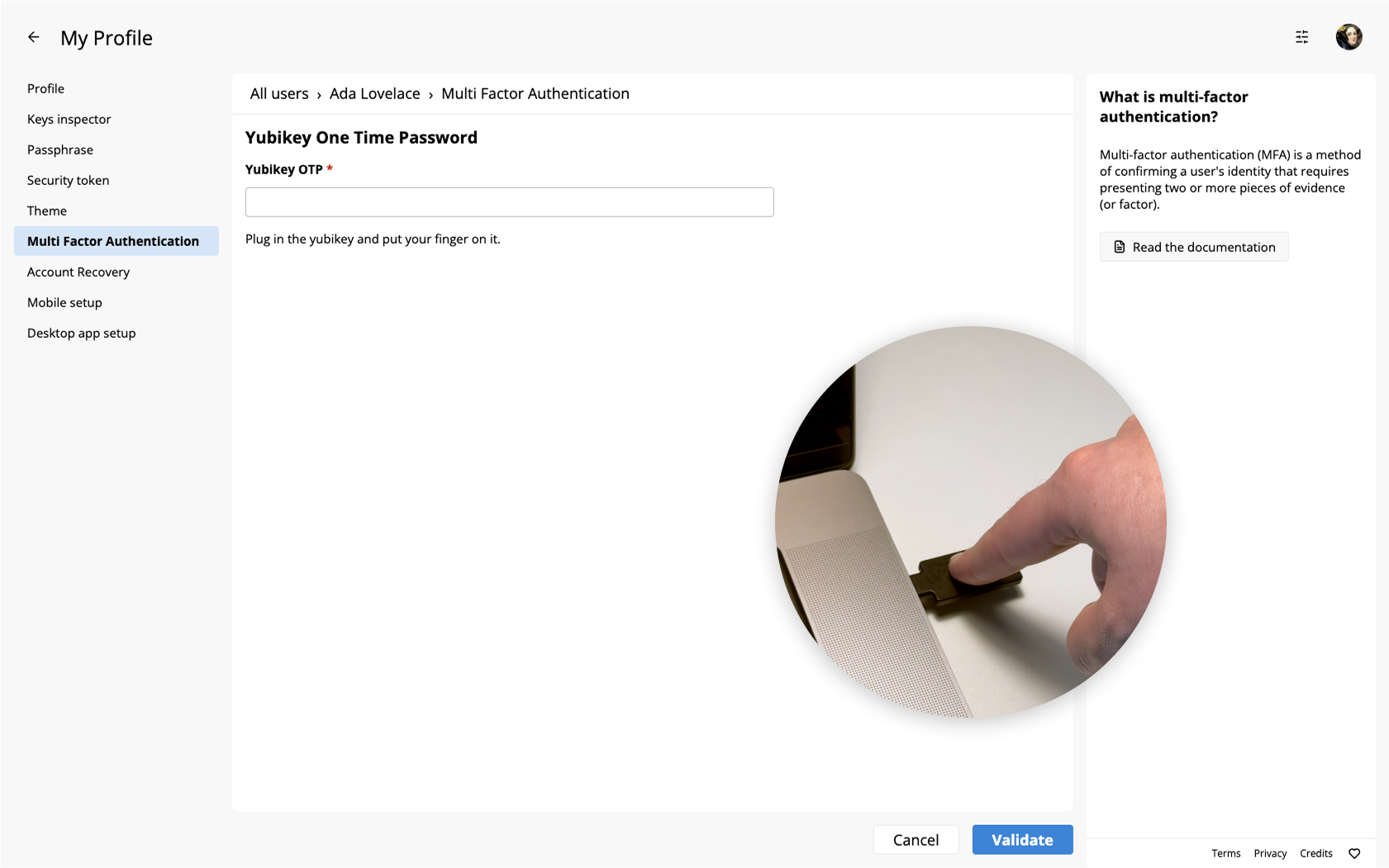
To setup YubiKey as multi-factor authentication method, navigate to the multi-factor authentication user settings page: Avatar > Manage Account > Multi Factor Authentication. Select the provider "YubiKey OTP" to continue.
The next step will require you to plug your YubiKey and touch it to release a Yubico OTP. Then click on "Validate" to ensure it functions correctly and complete the setup.
Authenticate with YubiKey
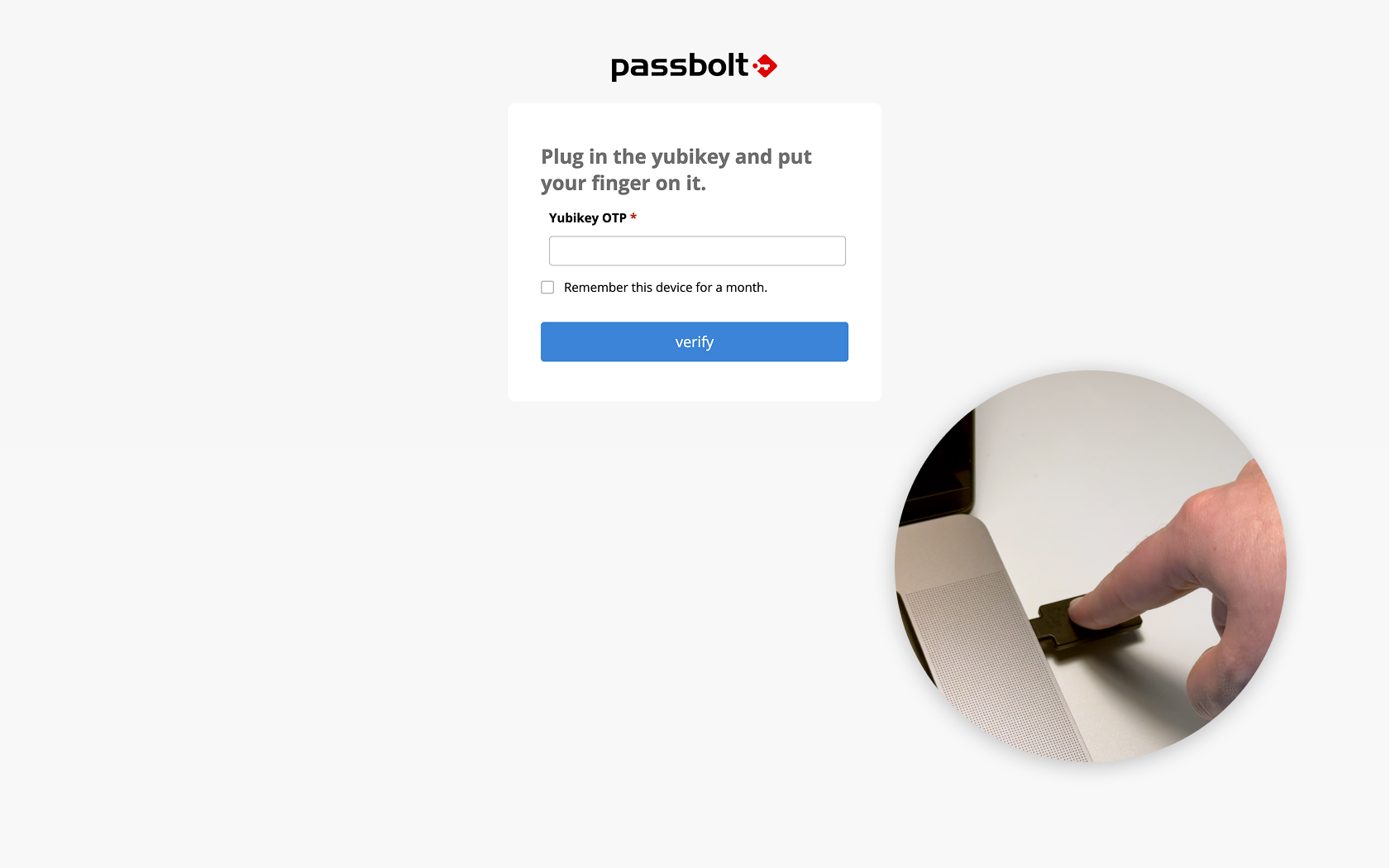
After setting up YubiKey, each time you sign-in to Passbolt, you'll be prompted to plug your device and touch it to release a Yubico OTP. Additionally, if permitted by the "Multi-factor Authentication Policy", passbolt can remember your MFA authentication for a month.