Windows App
How to download and install the application from the Microsoft Store
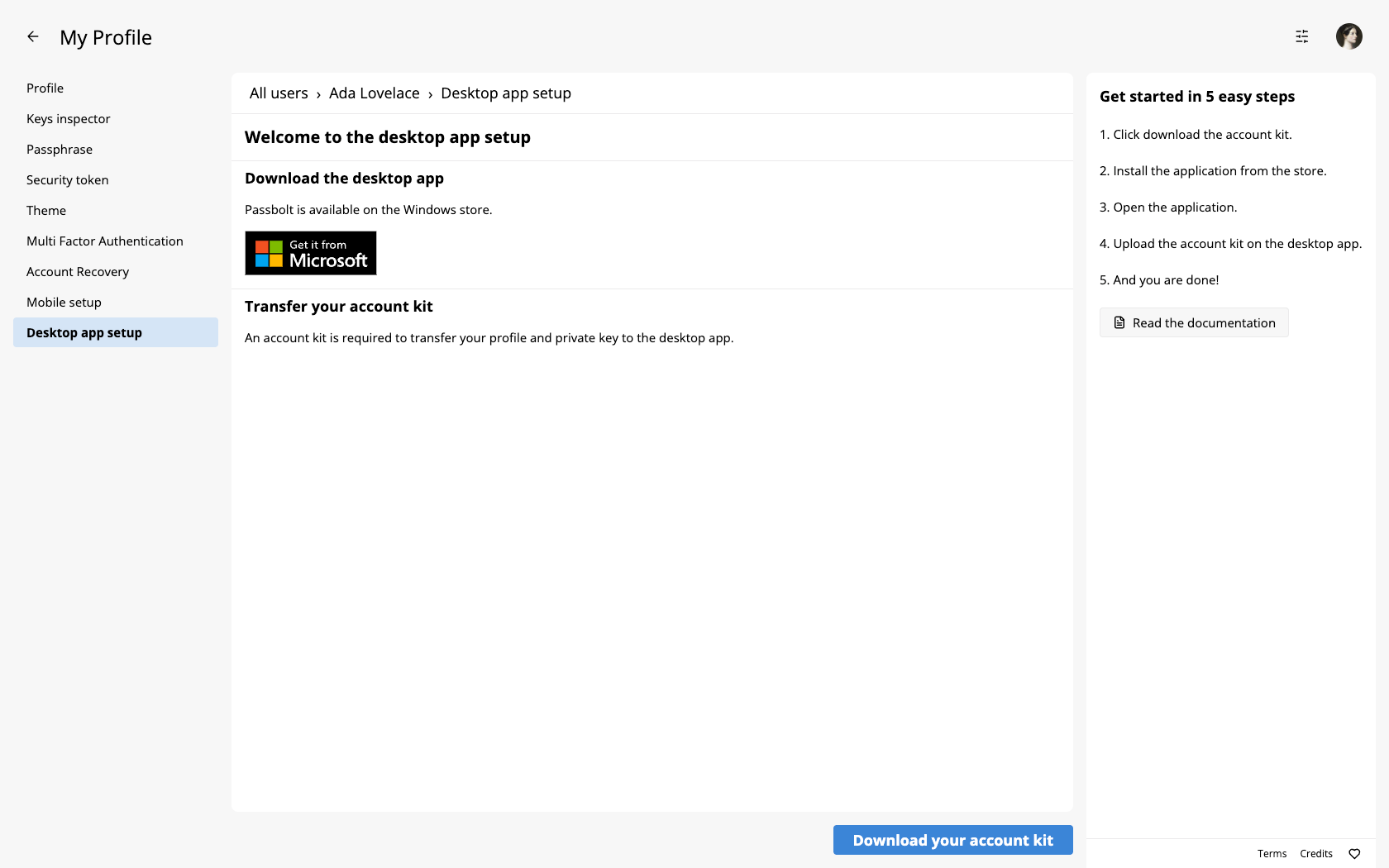
In order to download the windows application, you can access the application download link by clicking on the link in your profile space. This Microsoft Store listing will redirect you to the Windows Store.
How to download and install the application without the Microsoft Store
If you run into any installation issues, you can take a look at our dedicated troubleshoot page.
If you have issues accessing the Microsoft Store, you can download the MSIXBundle from our GitHub Releases Page.
Import an existing passbolt account
To configure your account in the desktop application, you must transfer your private key from the browser extension to the desktop application.
Getting started
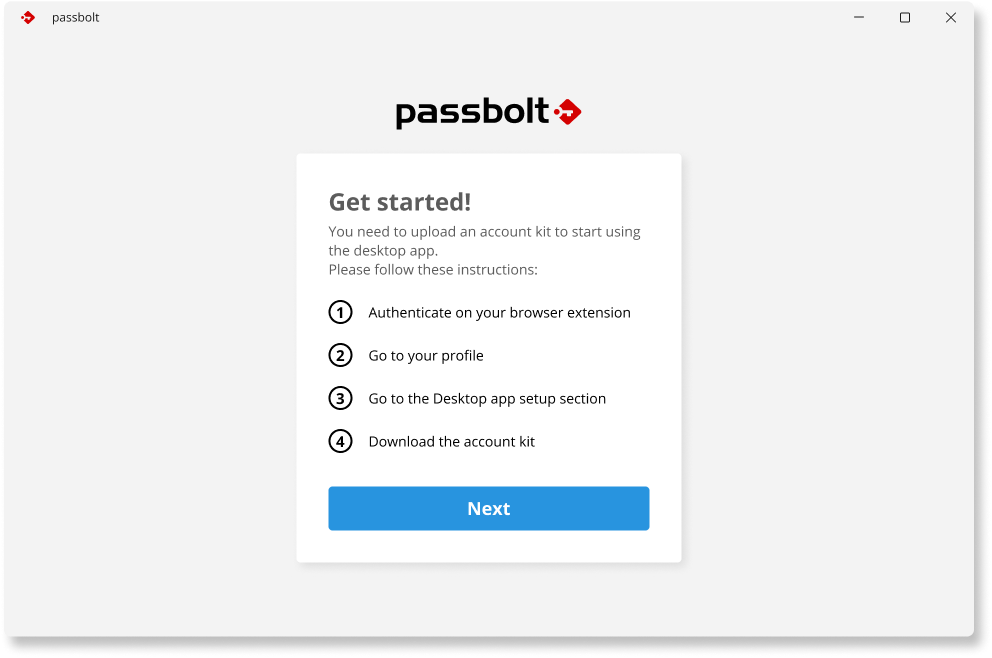
After installing the application, you will see instructions on how to download your account kit via the web application. By clicking the 'Next' button, you will be guided to the process for uploading your account kit.
To produce the kit, go to the browser extension where your account is already set up, open your profile, and select Desktop app setup. Click Download your account kit and enter your passphrase when prompted. This saves a file named account-kit.passbolt.
The account kit holds your private key. Your passphrase signs the file, it does not encrypt it, so anyone who obtains both the kit and your passphrase has your account. Transfer it directly to the machine running the desktop app and delete it afterwards. Do not email it or leave it in shared storage.
If Desktop app setup does not appear in your profile, the desktop plugin is disabled on your instance, or your role is not permitted to transfer an account. Ask your administrator.
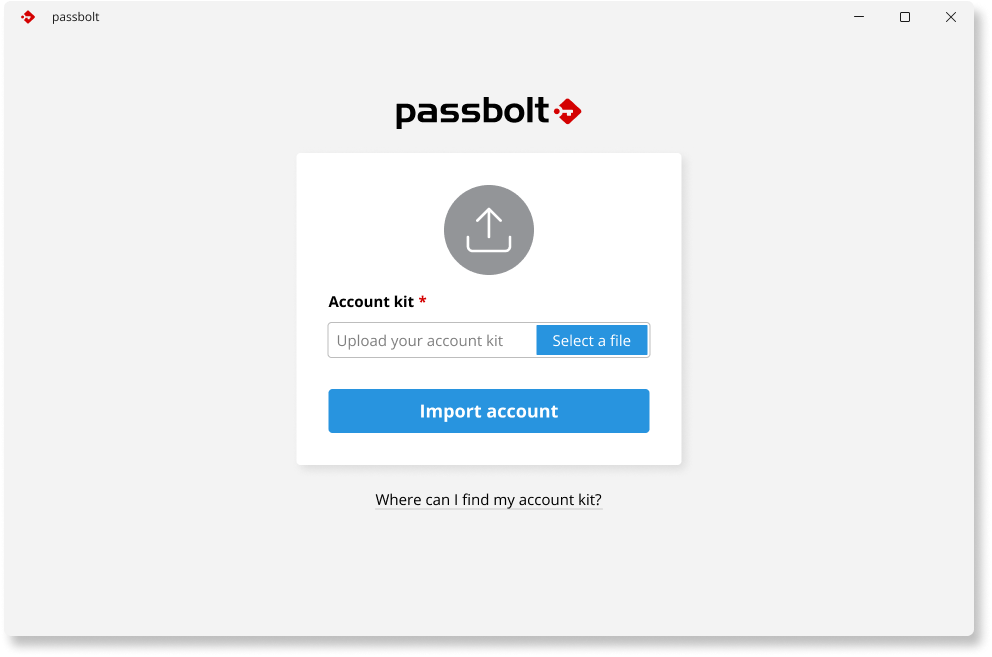
Upload your account kit
Verify account kit
Once the account kit is successfully uploaded, your account information, including your username and the URL of the passbolt server, will be displayed on the screen.
Please review this information carefully before proceeding. If you find any discrepancies, you can return to the upload screen by clicking on Import another account.
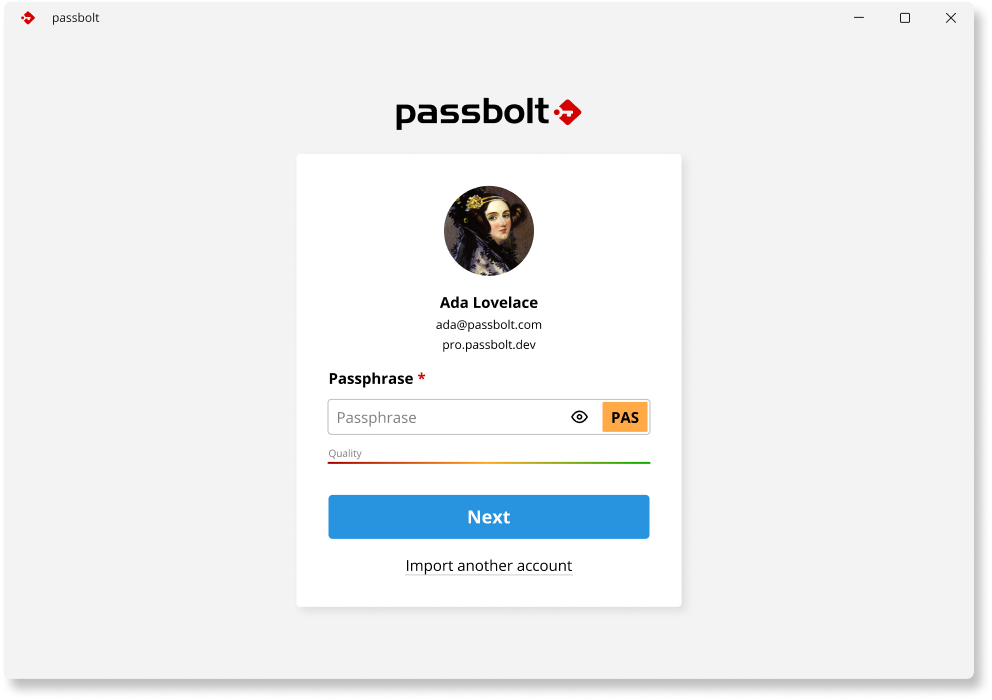
Once your passphrase is validated, the setup of your account will be complete, and you will be able to access the password workspace.
How can I reset my windows application
To unlink an existing account and set up a new one, first download the current entries from the Credentials Manager. To do this, use the search bar to find Credential Manager and select it.
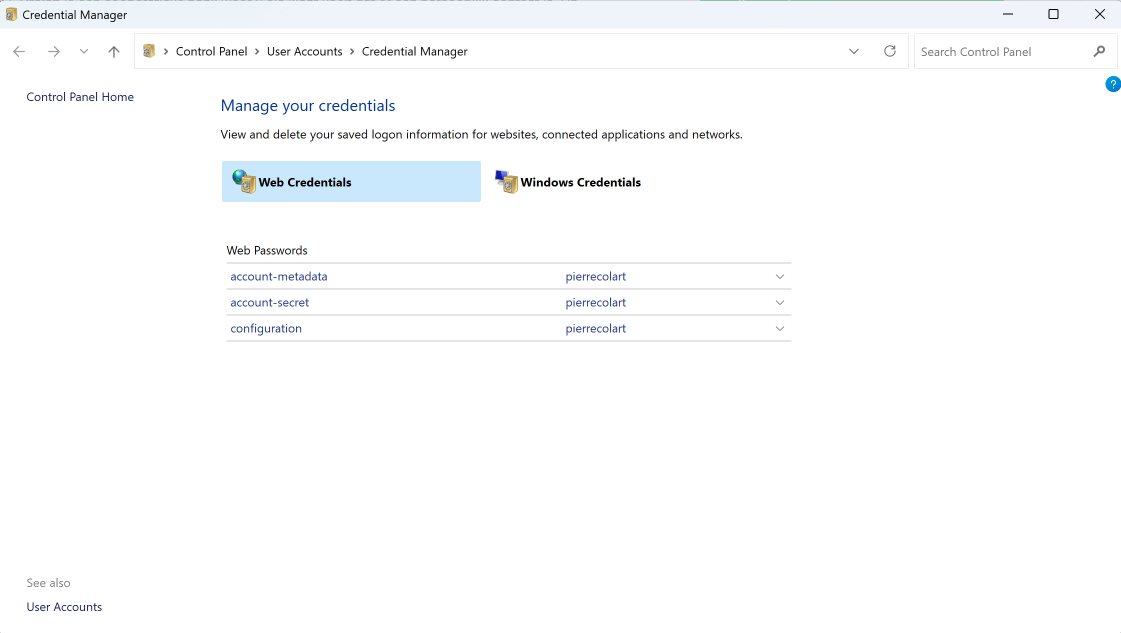
To remove an existing account from the application, delete the account-metadata and account-secret entries. This action will reset the application, enabling you to import a new account.
Can I Use Windows Hello?
Currently, we do not support Windows Hello due to certain security concerns that are under review. We are investigating the most secure implementation methods and will inform you as soon as a plan is established.
Which multi-factor authentication providers work in the desktop app?
TOTP, Yubikey and Duo all work. Duo support was added in 2.12.0; on earlier versions the Duo prompt does not load and sign-in cannot be completed, so upgrade the app if your organisation uses Duo.
The Duo hostname configured by your administrator has to be of the form api-<identifier>.duosecurity.com, which is the same form the administration screen accepts when the setting is saved.
How to Report Issues to Help Us Improve the Product
Report bugs and feature requests on the passbolt-windows issue tracker.
Please do not report security issues there. Send them to [email protected] instead, so they can be handled privately.