How can I change my avatar?
Changing the profile picture is easy:
- While logged into your passbolt account
- Click the drop down button on your username icon on the top right corner of your screen.
- Click on "Manage account"
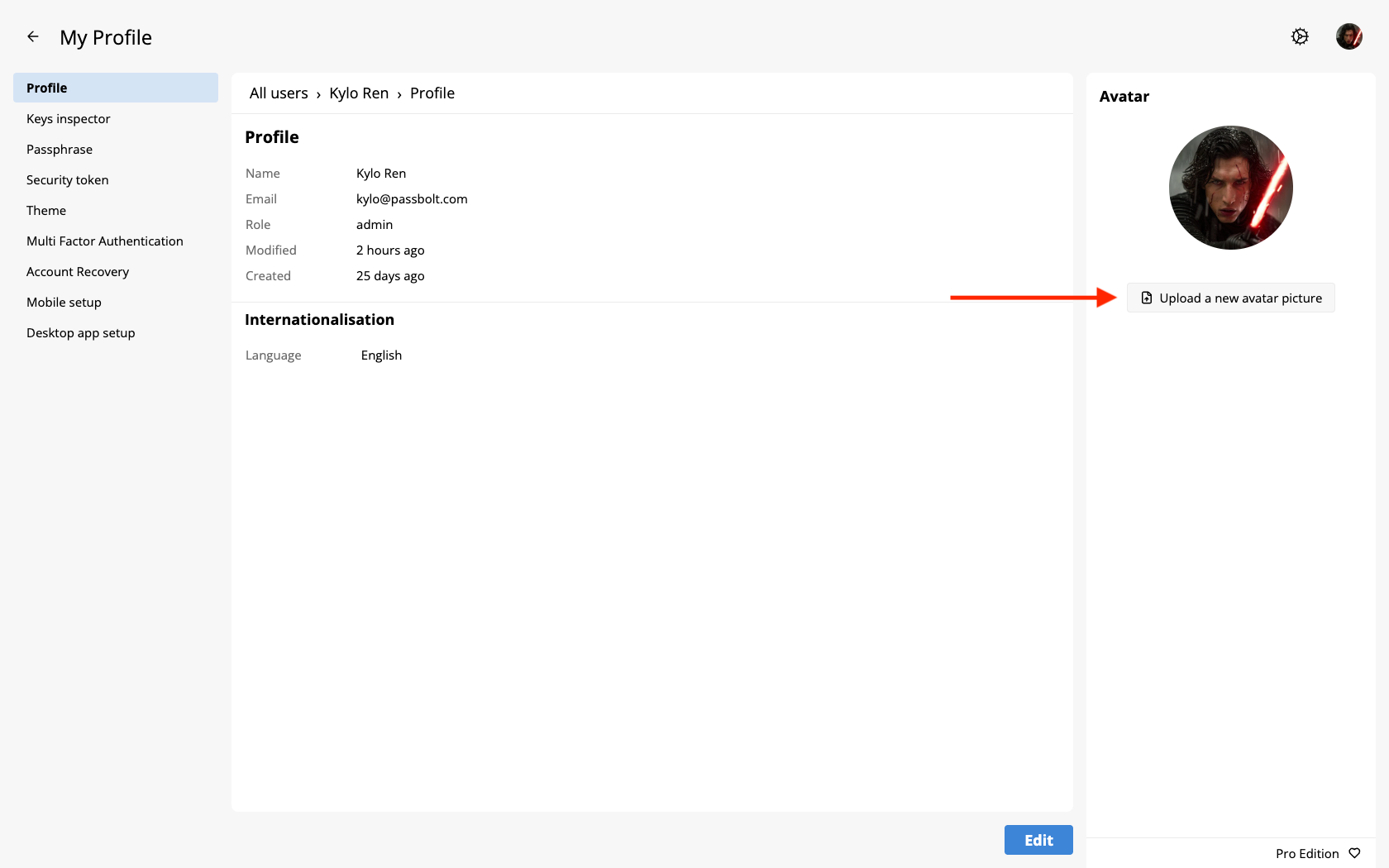
- In the right pannel of the "Profile" page, click on the "Upload a new avatar picture"
- Click "Browse"
- Select a picture from your computer that you would like to upload
- Click "Save" once you have selected a picture
- Wait a moment till your profile picture is updated.
Caution!
Please note
If your file size and picture quality are heavy you may be unable to upload your picture.
When you upload a picture be mindful of the following compatibilities:
- The height and width of the picture
- The file size
- The file extension