Role Based Access Control
RBAC started as a user-interface restriction only. Since passbolt v5.8.0 a growing set of actions is also enforced at the API level, so a denied action is refused even when it is called directly through the API and not only hidden in the interface. Server-side enforcement currently covers account recovery management, group creation and Offline mode actions; other functionalities are still restricted at the interface level only. Do not rely on RBAC alone to prevent an API call for a functionality that is not yet enforced server-side.
How to configure Role-Based Access Control
Since version 4.1.0, all editions of passbolt support Role-Based Access Control.
Requirements
You can follow this procedure if you are meeting the following requirements:
- You are running passbolt >= v4.1.0.
- You have an active administrator account.
How does it work?
RBAC is a feature introduced to restrict the access of functionalities to users.
According to the administrator choices, users can be restricted to some functionalities. The administrator has only to chose between allow or deny options for the functionalities.
RBAC
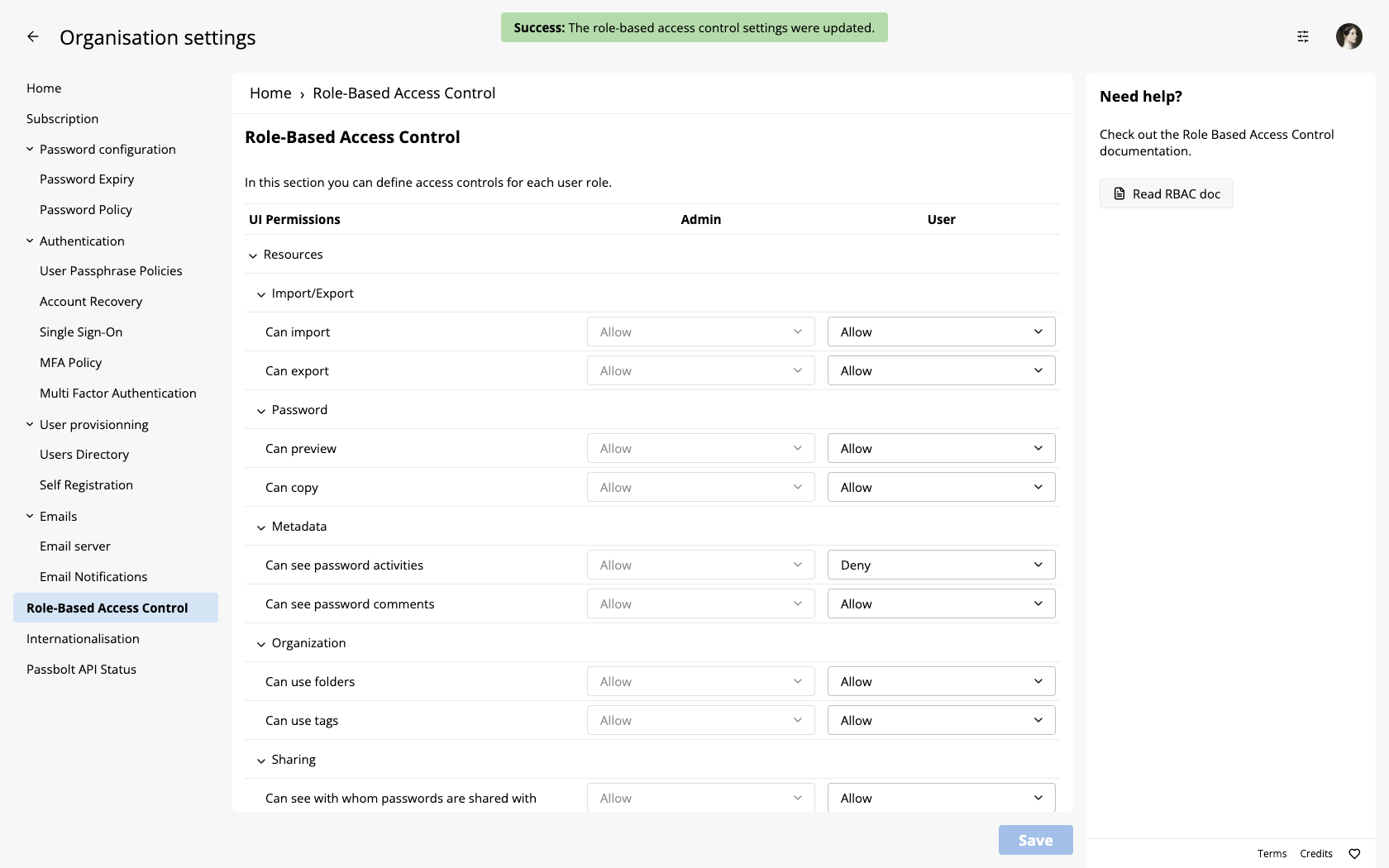
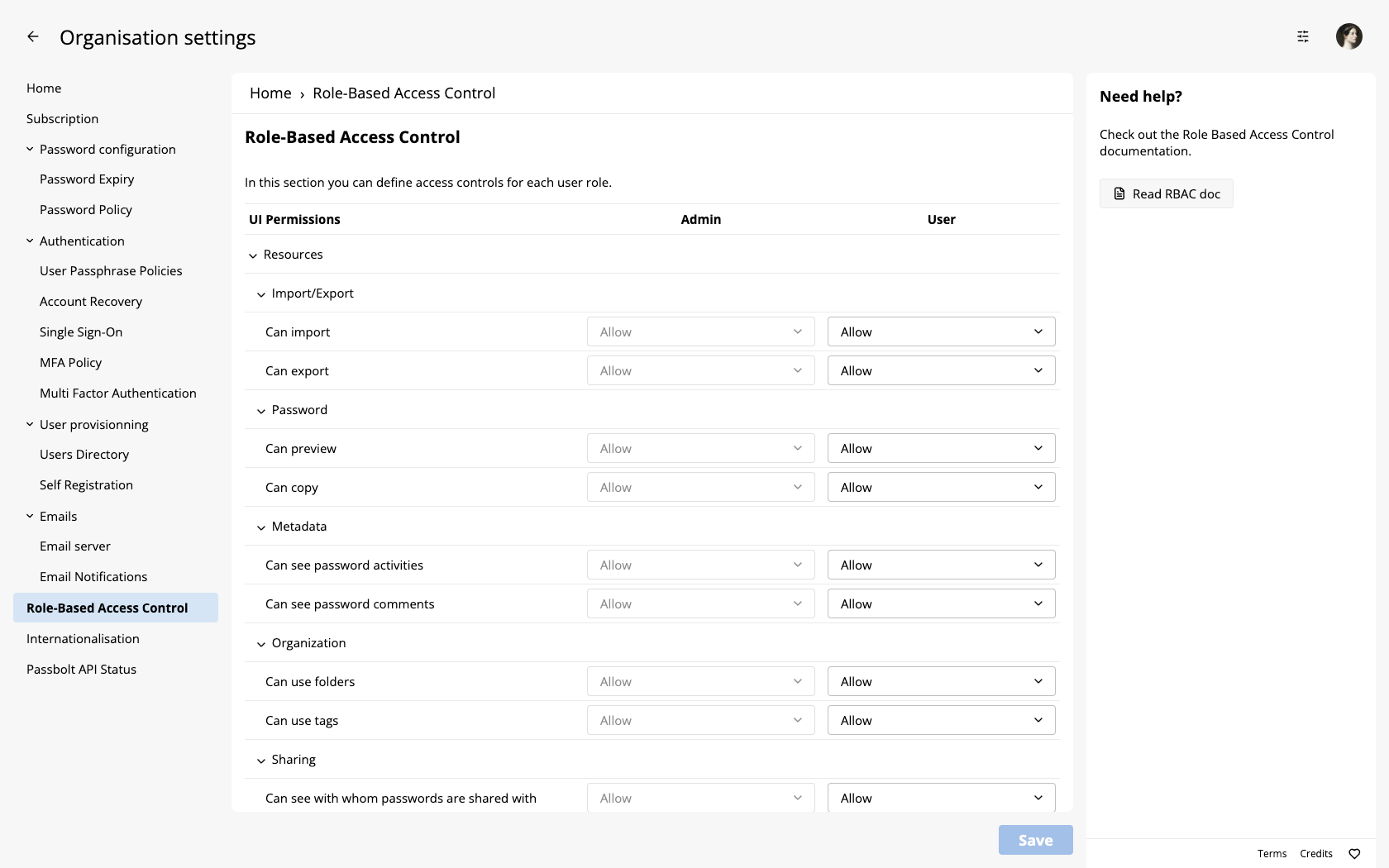
In order to configure RBAC for your organisation, select ⚙ > Organisation settings > Role-Based Access Control in the top right corner.
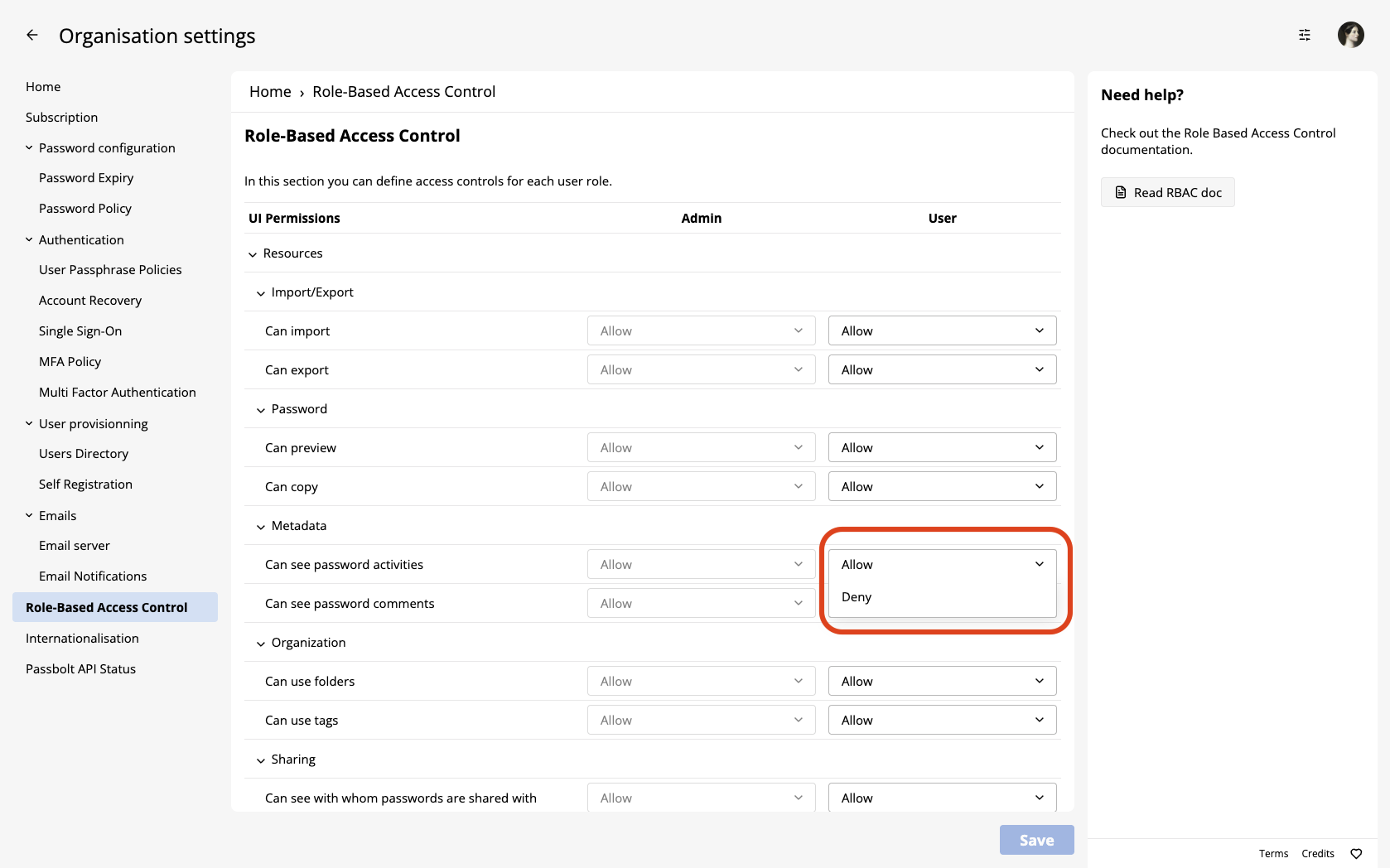
Choose to restrict or not a functionality
By default, all functionalities are allowed. To deny one select and restrict the one that suits best your organisation.
Apply the changes
Once the RBAC is configured as you wish, you can apply the changes. Click on the "save settings" button.