Passbolt 5.7: Secret history, user-group management, and import reports
4 min. read
Passbolt team
19 November, 2025
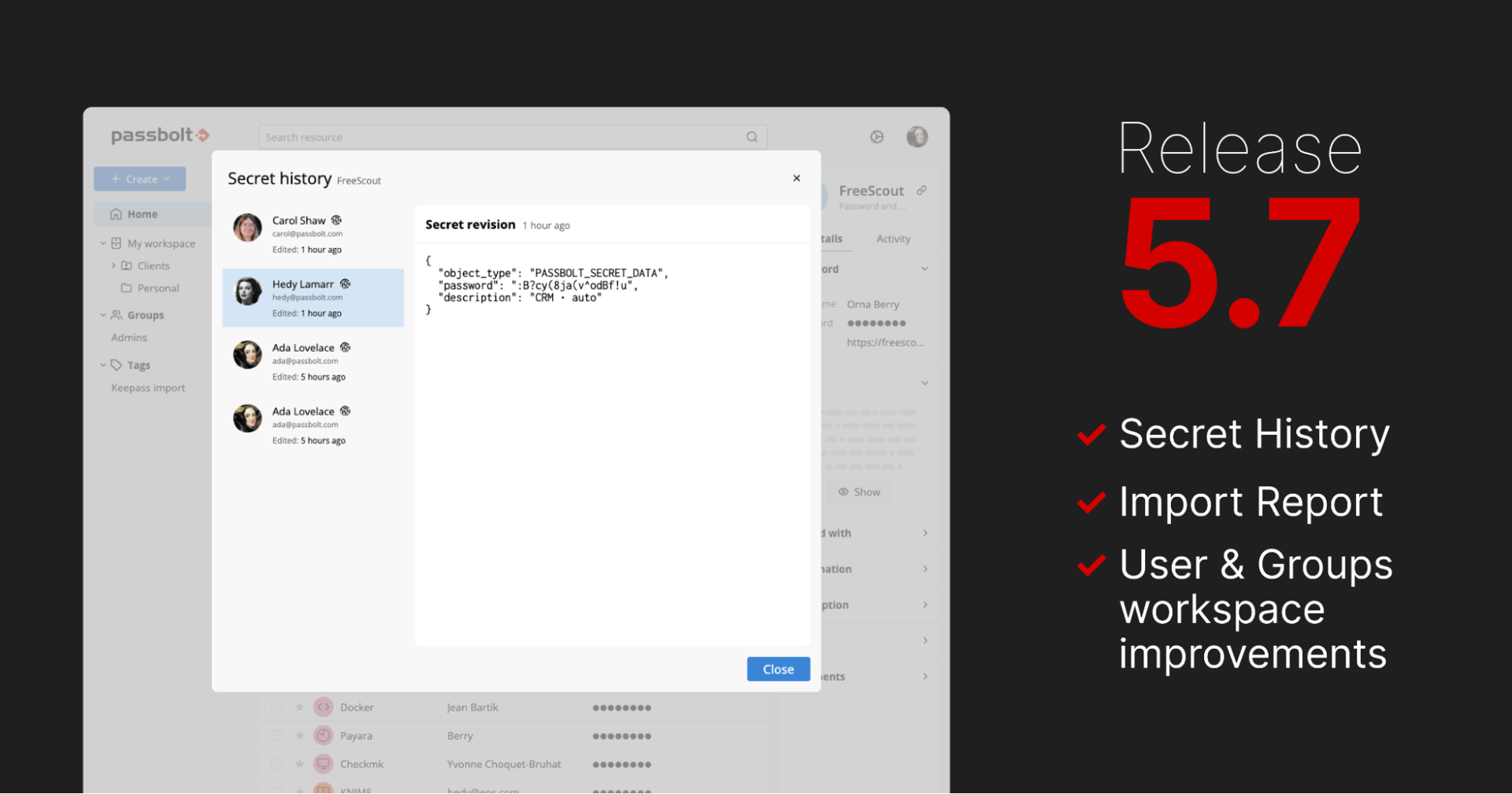
Passbolt 5.7.0, called “Bloom” is now available (release notes: 5.7.0, 5.7.1, 5.7.2) and continues the 5.x series' focus on traceability, administrative efficiency, and improving operational control. This release introduces secret history to access previous secret revisions and delivers enhancements to user-group workspace control and better post-import reporting.
Access to secret history
Secret History feature allows users and administrators to access and restore previous revisions of the secret content. Users can now instantly revert an accidental update or a misconfiguration due to a rollback of the target system or resource it belongs to. A fully encrypted audit trail is maintained for every change made to a resource's secret, improving operational resilience.
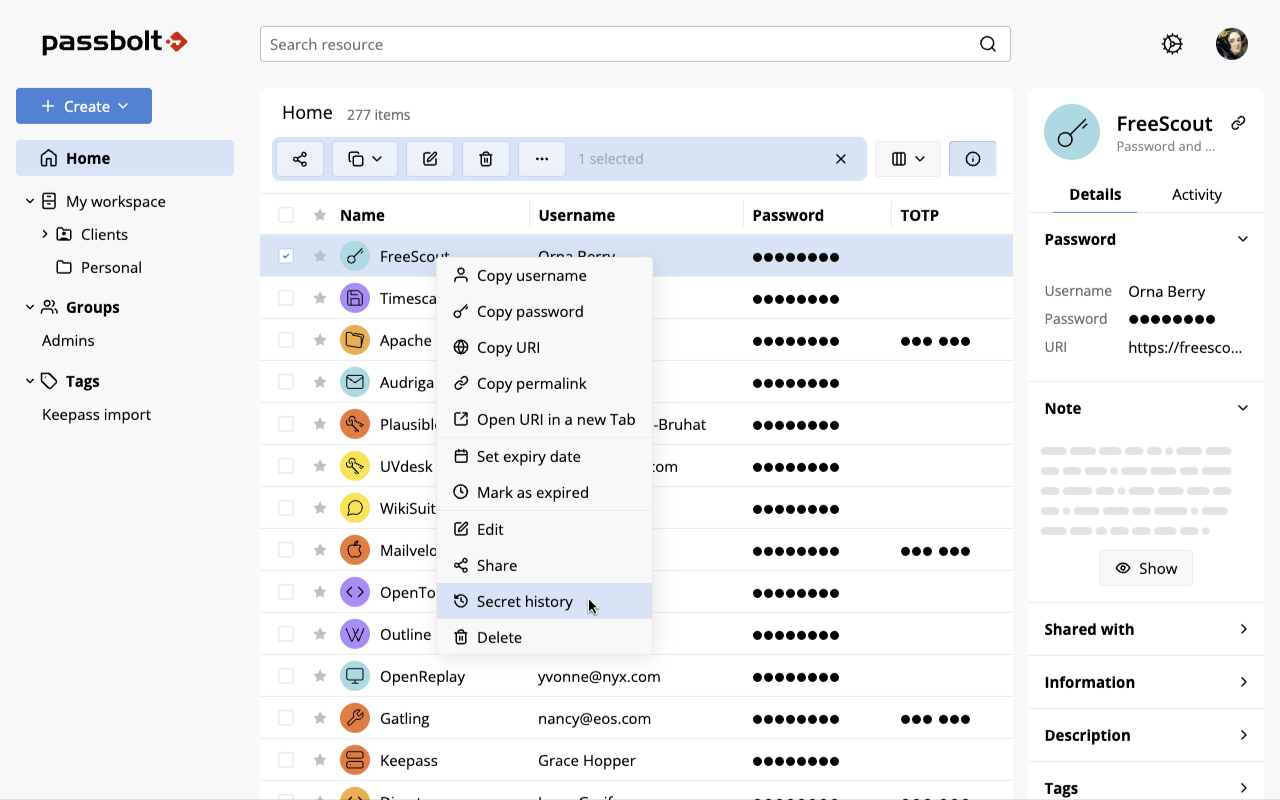
Fig. Secret history list item in the contextual menu
Prior to this release, once a secret was updated, its previous content was permanently discarded, limiting historical review.
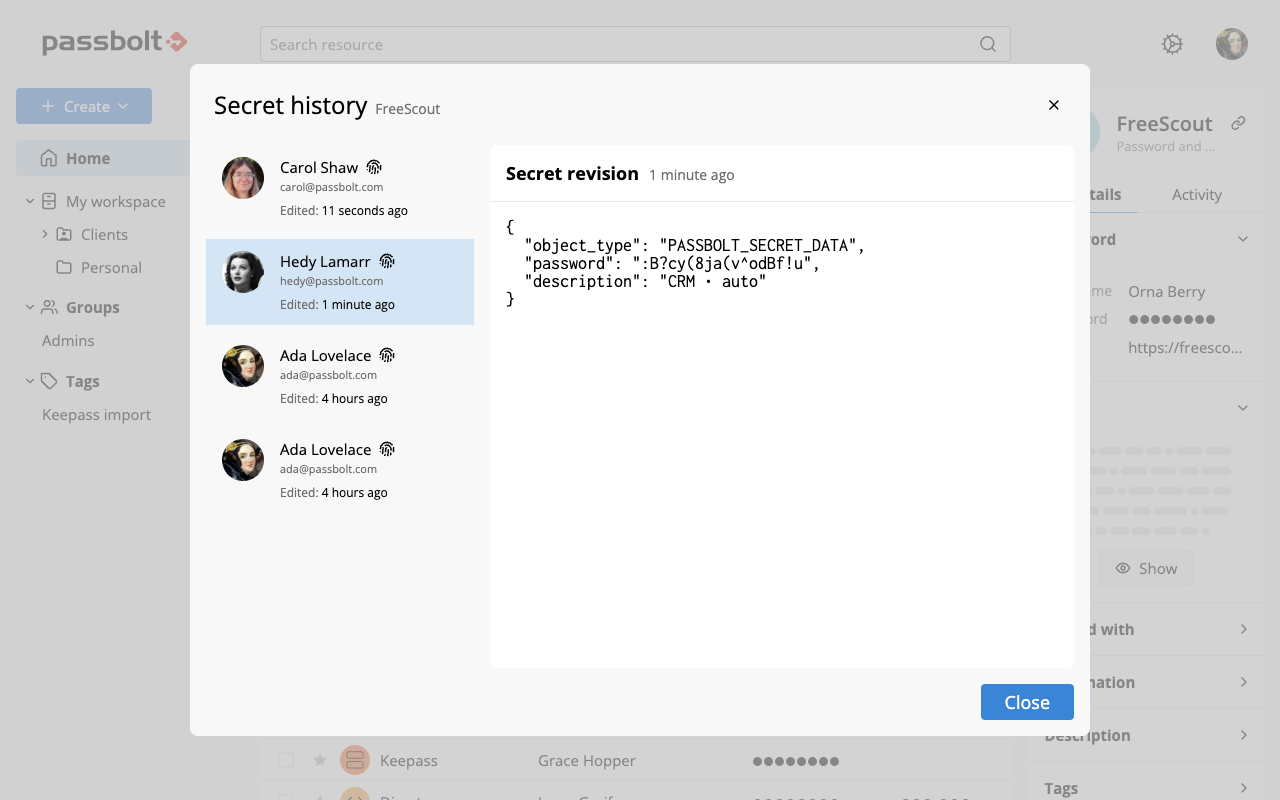
Fig. Secret history model showing the first secret revision
Administrative control is provided via server settings, allowing control over the maximum number of versions stored. For security, only users who had access to a secret at the moment a version was shared with them will have access to that version in the history.
User & Groups workspace improvements
‘Remove User from Group’ Option
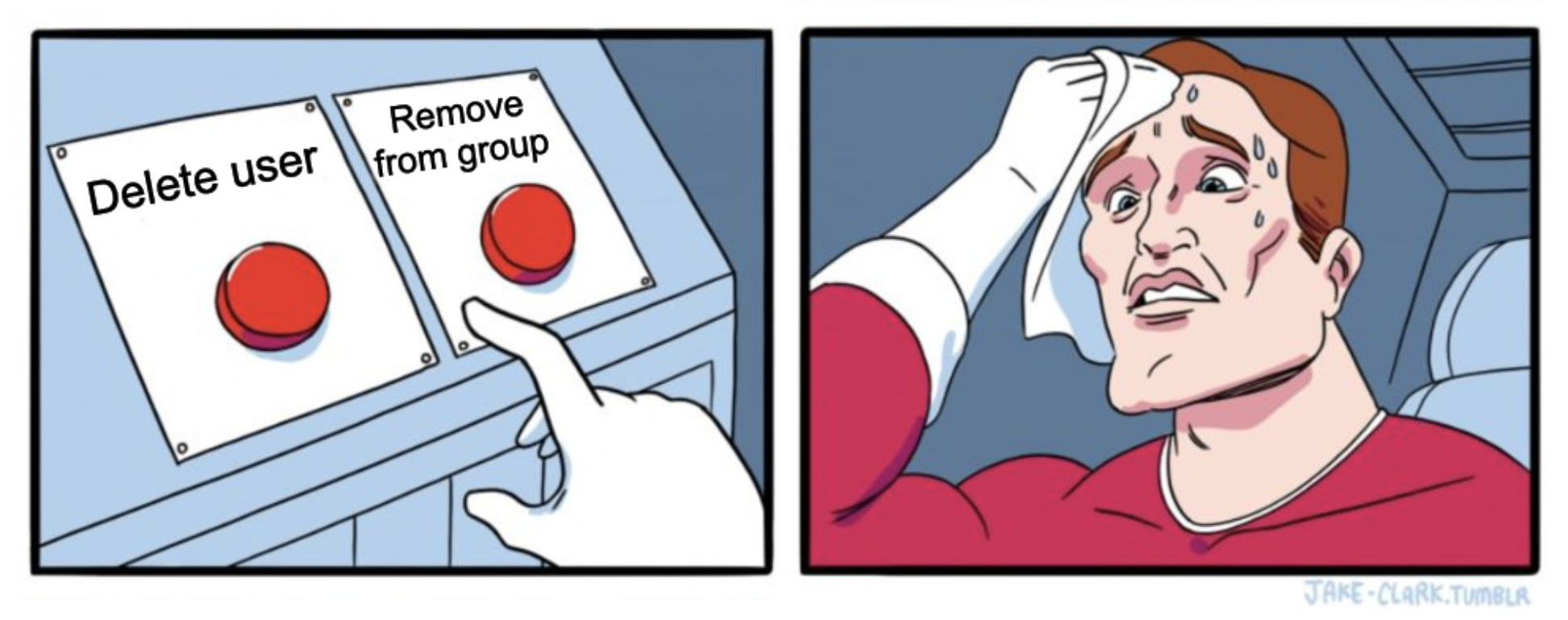
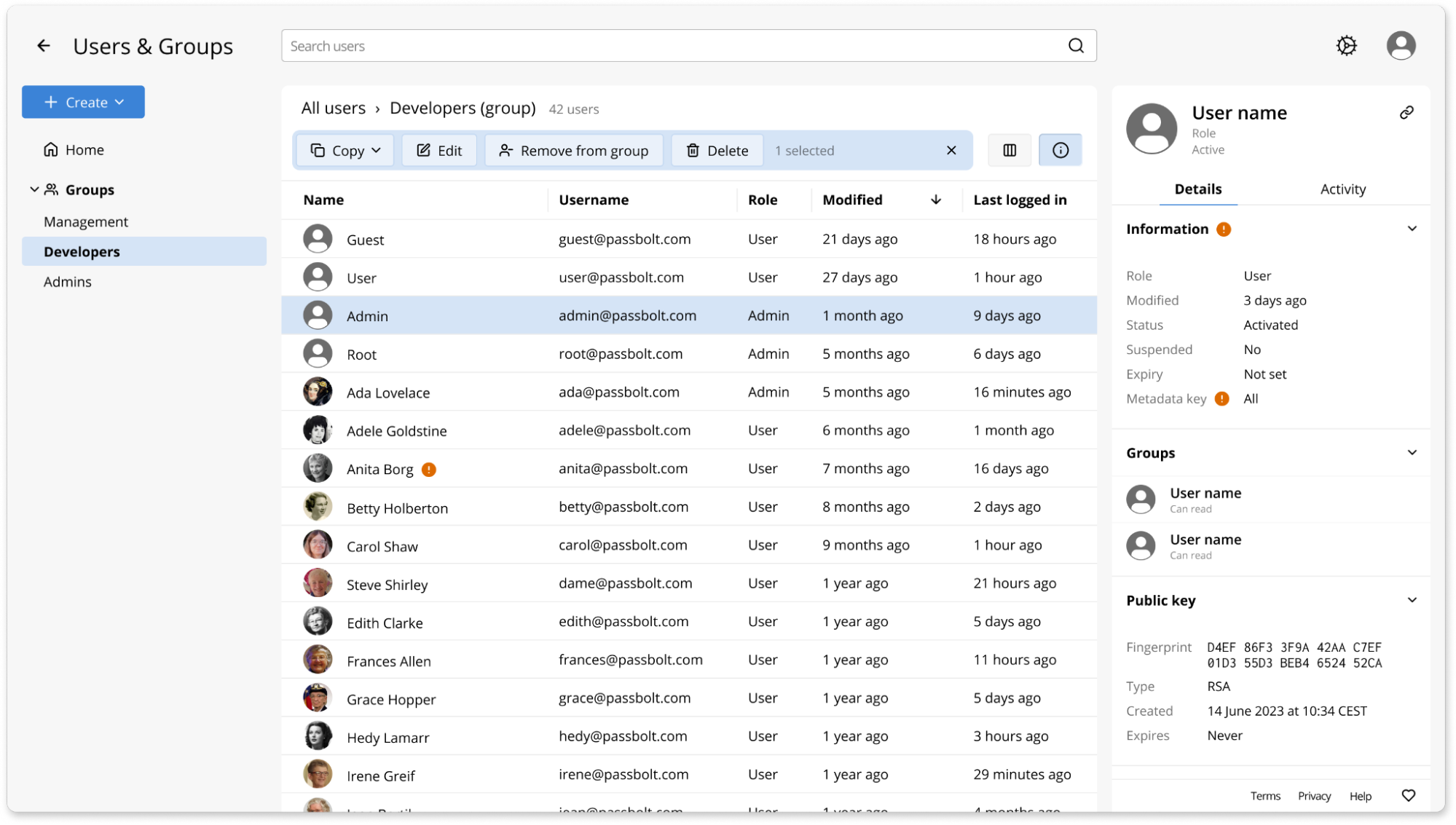
In the Users & Groups workspace, the "Delete" button was often misinterpreted as a function to remove a user from that group, frequently leading to unintended deletion of the user accounts, causing operational disruptions.
To clearly distinguish the actions and mitigate this risk, a new context-specific "Remove from group" button is positioned next to the "Delete" button. This addition eliminates the confusion between permanently deleting a user and simply removing them from a specific group, safeguarding against accidental user data loss.
Fig. Remove from group button in the User&Groups workspace contextual action bar
Attention required filter
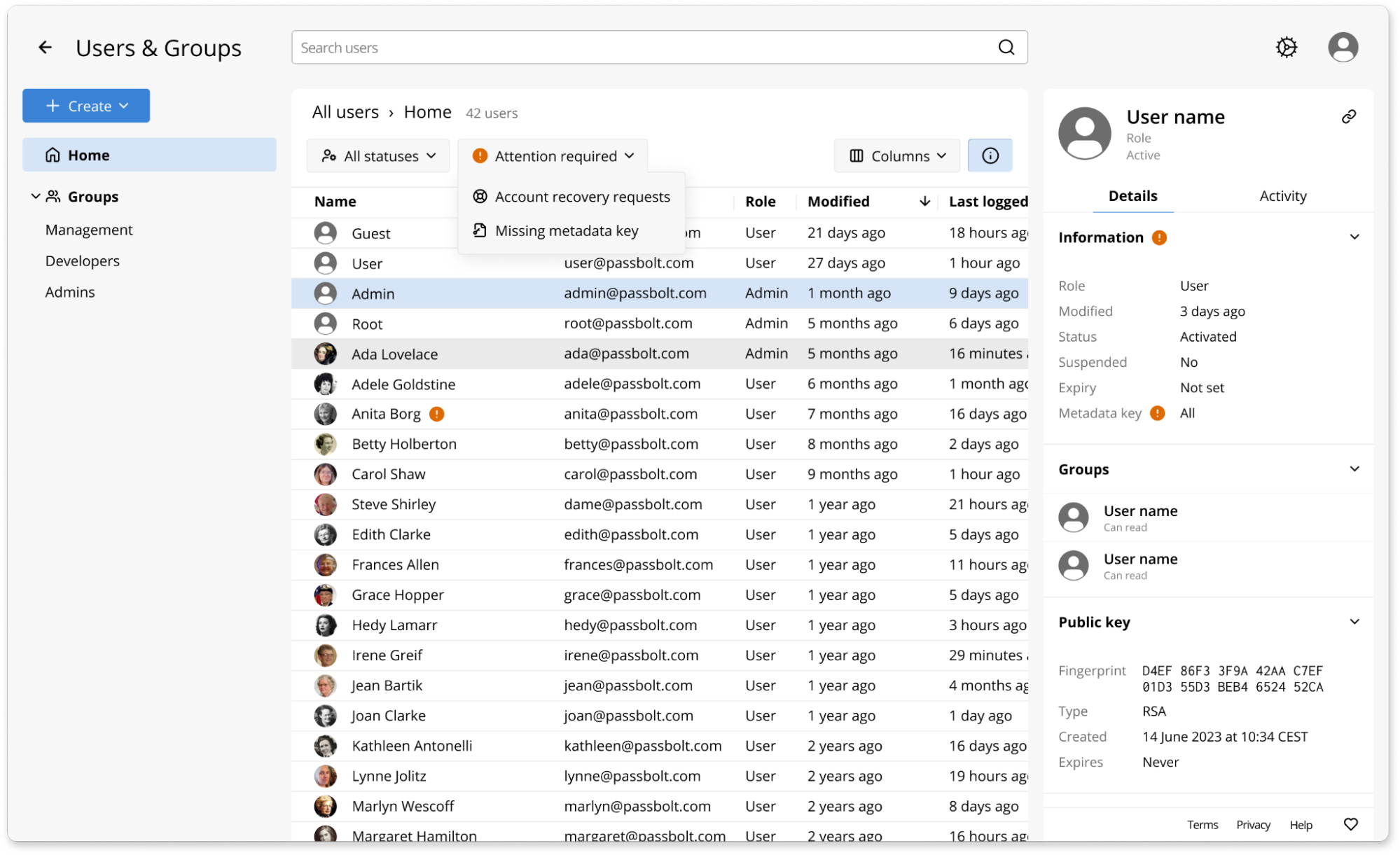
Also in the Users & Groups workspace, an inline marker signals users requiring attention like account recovery requests or missing metadata keys, but this was easily missed in long lists.
To solve the visibility issue, Passbolt 5.7 introduces the new "Attention Required" filter. It allows administrators to instantly pinpoint users requiring account review.
Fig. Attention required filter dropdown in the Users & Groups workspace
The filter is only displayed if the current user is an administrator and is progressively disclosed, appearing only when at least one user matches an attention state.
Enhanced import reporting
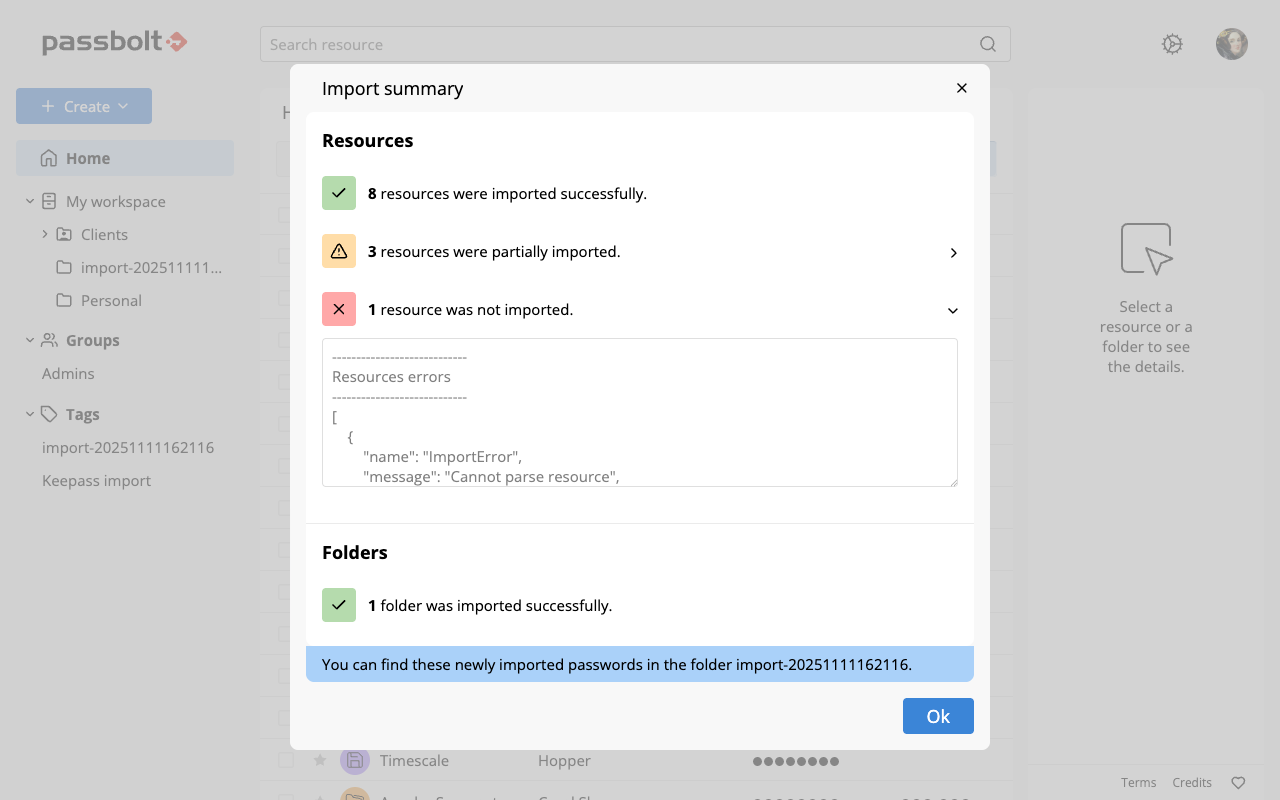
The 5.7 release introduces a new detailed import summary dialog that appears immediately after an import operation.
Fig. Import summary model
The dialog has been redesigned to offer additional information by splitting issues into warnings and errors.
Warnings indicate that a resource was partially imported, but some data may be missing or converted to custom fields. Errors indicate the resources that couldn't be imported. The dialog also provides additional logs for each section, giving end users more detail to review and troubleshoot immediately.
Performance and stability improvements
Passbolt 5.7 also includes several internal optimisations and bug fixes reported by the community.
Command Line Administration has been enhanced with three new commands for instance management: List users, Promote an administrator, and Disable MFA.
The reliability of autofill functionality has been significantly improved across a wider range of websites, with new support added for OVH and CryptPad.
On the Pro edition, a fix has been merged into the API to address the synchronisation of group memberships for suspended users during a User Directory synchronisation.
What’s Next?
Passbolt 5.8 (December, 2025)
The next major update, Passbolt 5.8, is scheduled for December 2025 and will introduce dynamic group management, allowing administrators to create additional roles and fine-tune access permissions.
Stay up to date
To remain informed about all Passbolt updates and community activities: