
8 min. read
How to Set-Up a Highly-Available Passbolt Environment
Learn to set up a robust, highly-available Passbolt environment using Galera on Debian 12, ensuring reliable password management with minimal downtime.

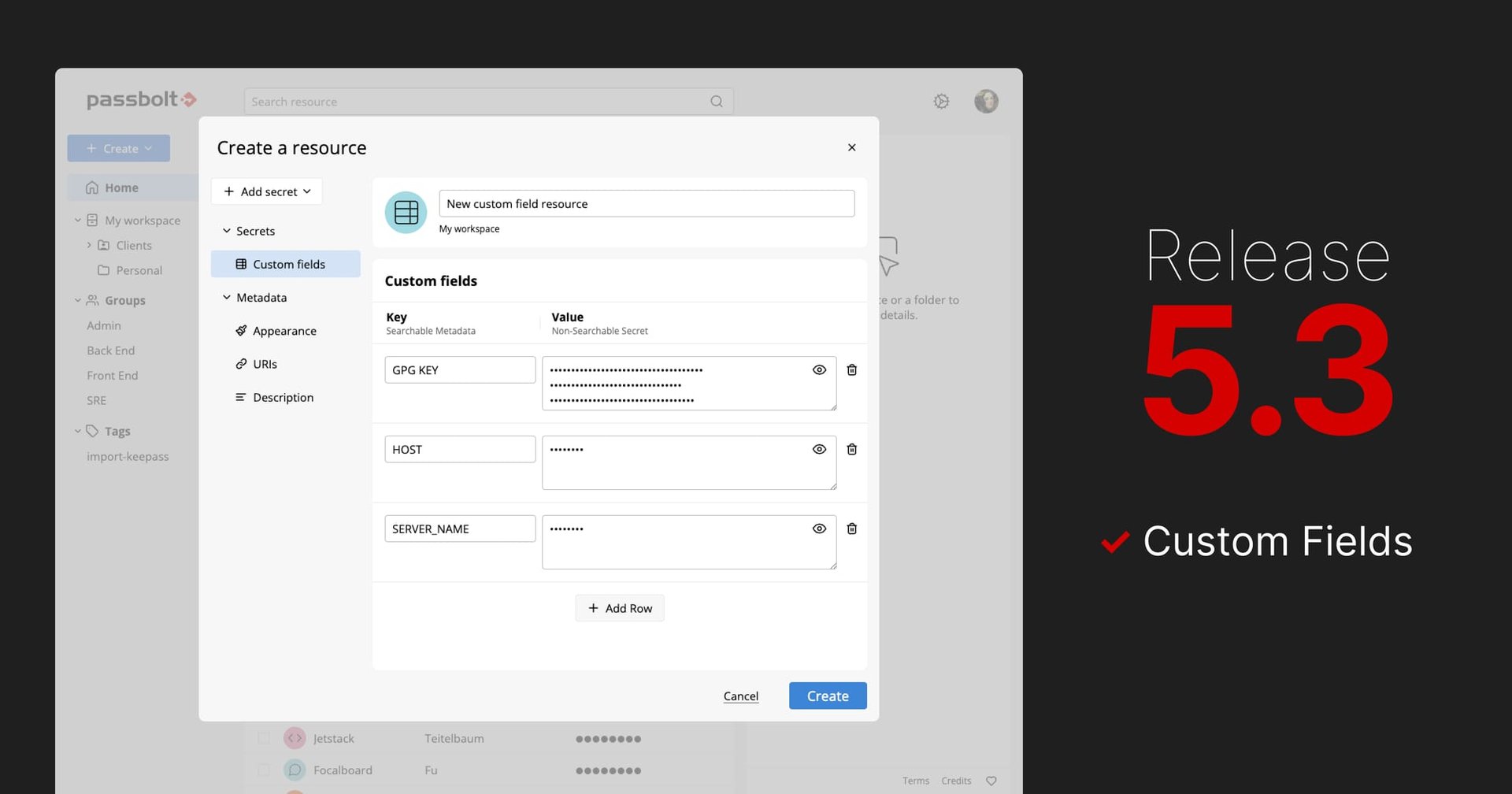
Passbolt 5.3 is now available (release notes: v5.3.0, v5.3.1, v5.3.2). This release introduces custom fields (in beta), built on the encrypted metadata framework introduced this year with the 5.x series. This update also brings performance enhancements and some bug fixes.
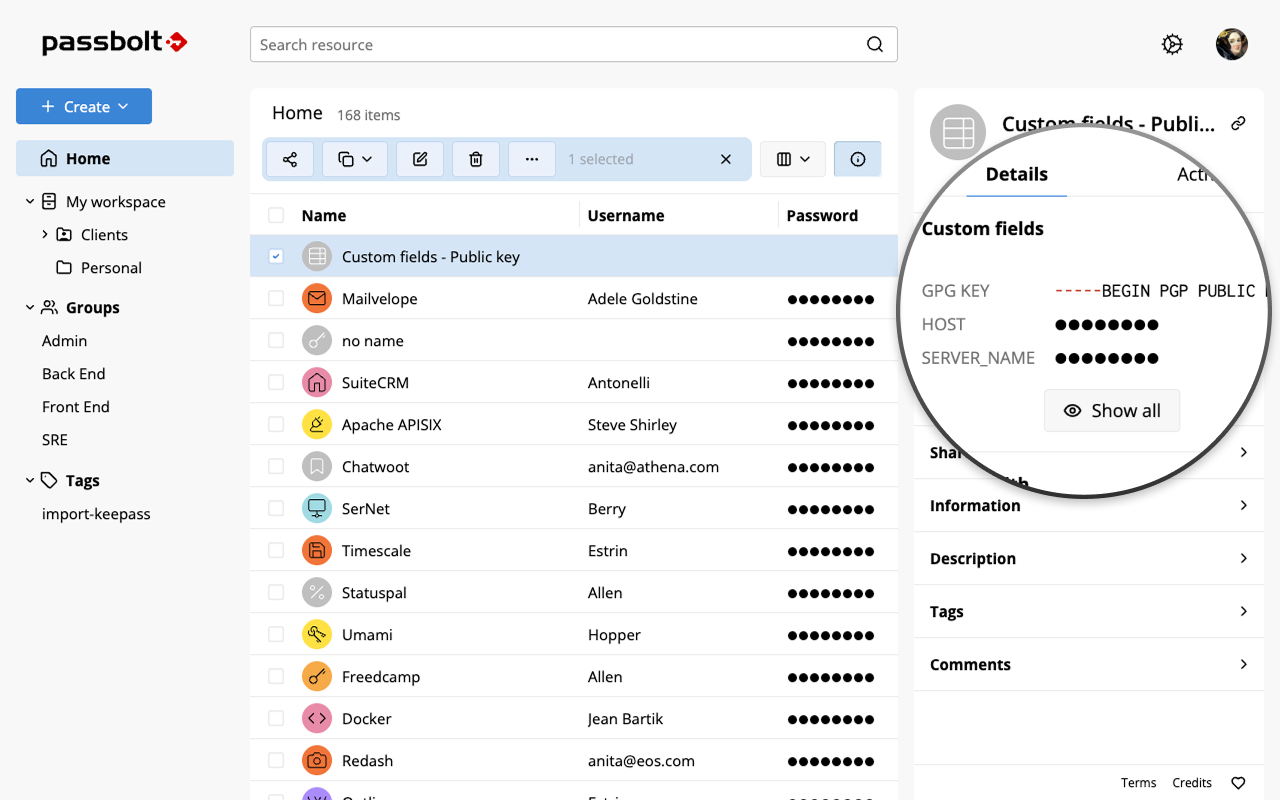
Custom fields, which is one of the most-requested features from the community, allow users to attach additional key–value pairs to a password entry or even create standalone key–value entries.
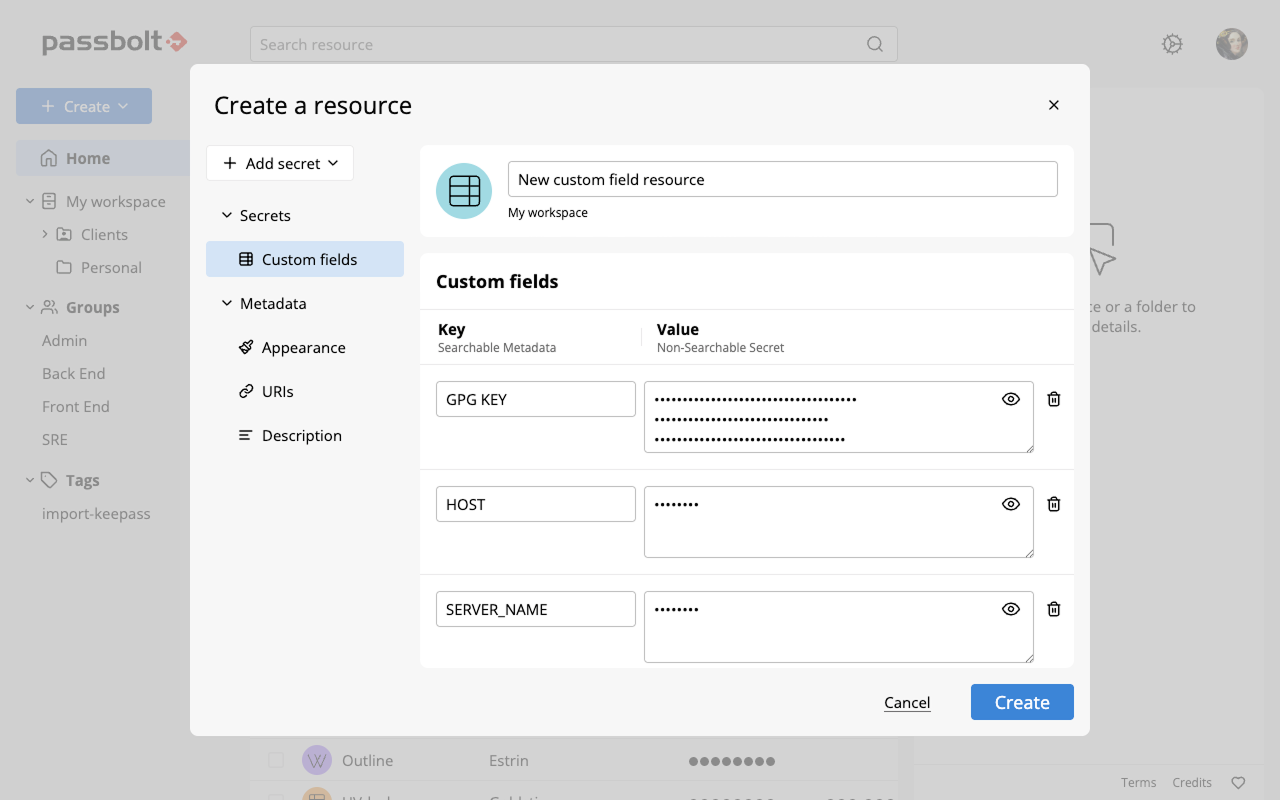
Teams often need to store information that doesn’t fit neatly into standard username and password fields. Custom fields make it possible to attach that extra context directly to credentials, keeping related information in one place. This helps reduce duplication, improve clarity, and make operational workflows easier to maintain, especially in setups with more complex infrastructure where automation is needed.
For example, teams can centralise CI/CD pipeline variables or store environment-specific configuration values with a credential, rather than cramming those details into a general text note.
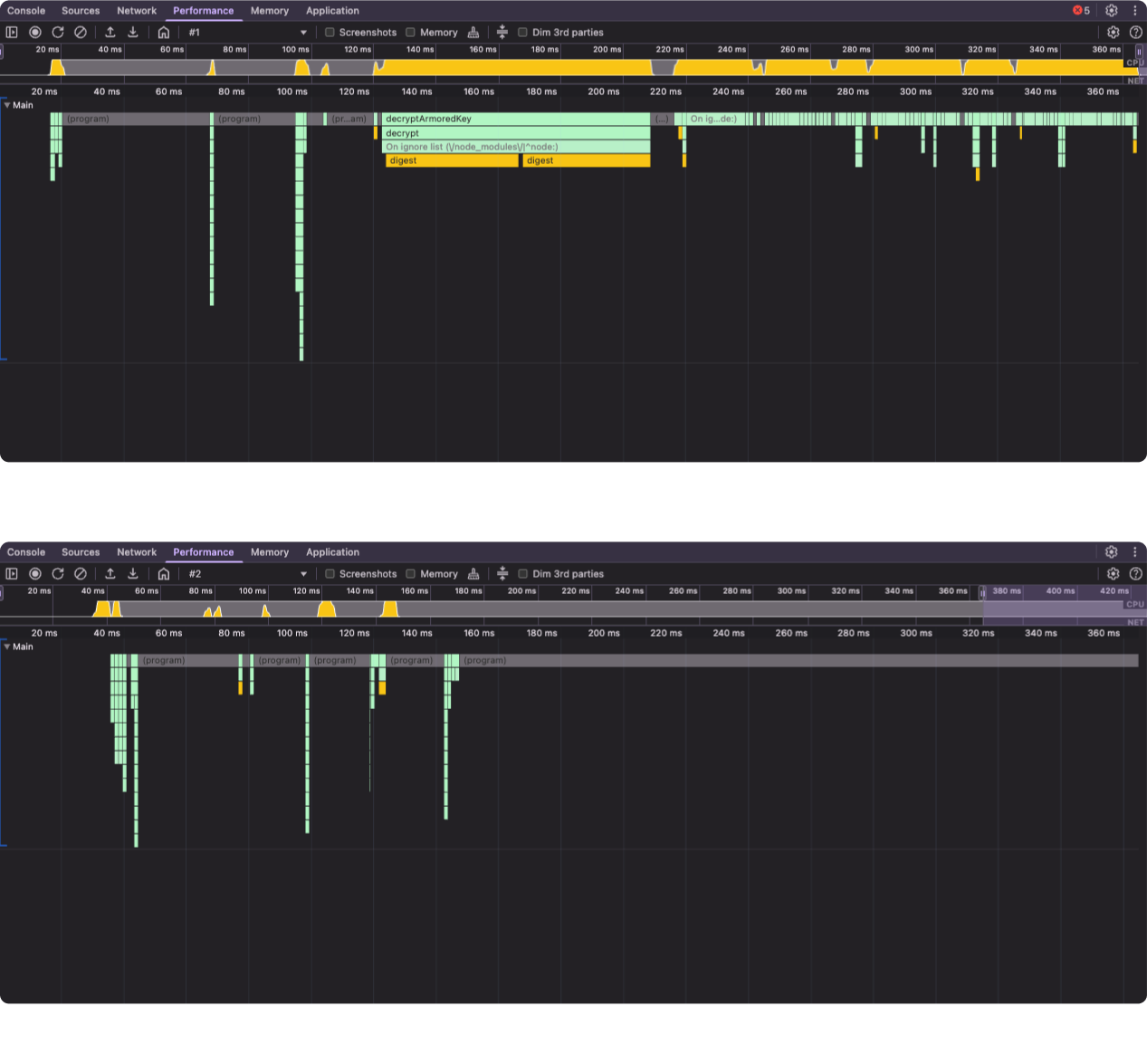
As part of ongoing performance optimisations, Passbolt 5.3 focuses on faster folder browsing. Loading a folder and its contained credentials is now more efficient, reducing the load on both the API and the client. This improvement is especially noticeable for organisations managing thousands of credentials, where navigating large password libraries and folders now feels noticeably smoother.
The latest update addresses several community-reported issues including fixes resolving email notification errors occurring post-upgrade, addressing database health check issues on initial setups, and refining browser extension functionalities, such as group management dialogs and folder reloads.
While encrypted metadata has already passed a full Cure53 security audit (see the report), the features that depend on it, such as icons, multiple URIs, and custom fields, will stay in beta. The beta label will be removed once the last rough edges are polished, tentatively scheduled for v5.4 in August.
To help you decide when the feature set is ready for your environment, here is the remaining work scheduled for v5.4:
Even after these items ship in v5.4, some gaps will remain that you may want to evaluate before enabling the feature:
Self-hosted users can enable and explore these features now, while Passbolt Cloud customers will receive them once the beta label will be removed. If you have already enabled encrypted metadata for your organisation, custom fields will be available after upgrading your API to the latest version. If you didn’t enable encrypted metadata, check out this blog article.
Encrypted metadata will exit beta, becoming stable and available for all users.
Tentatively this release might introduce support for SSH key management and standalone secure notes. The scope of this release might be impacted by the release v5.4 and is communicated to highlight the next big priorities.
To remain informed about all Passbolt updates and community activities:
Sign up for email notifications about new releases on the changelog page.
Thank you to the community for your continued support and contribution.
8 min. read
Learn to set up a robust, highly-available Passbolt environment using Galera on Debian 12, ensuring reliable password management with minimal downtime.

6 min. read
Learn how to enable encrypted metadata in Passbolt 5 to benefit from advanced resource types and improved security.

 Made in Europe. Privacy by default.