
3 min. read
Automating your n8n workflow with Passbolt
Discover the Passbolt n8n node for automating secure credential workflows, including secret sharing, onboarding, and password rotation, without compromising end-to-end encryption.


We're excited to announce that the Passbolt Safari extension is now open for beta testing! While we finalize the last fixes and prepare for the security audit required for stable distribution, we've reached a major milestone: the extension is ready for you to try! Opening the beta now means we can start collecting your feedback early, which is essential to delivering the best experience possible when the official release lands.
TL;DR; if you are already familiar with TestFlight, what you probably want to know is this link: https://testflight.apple.com/join/Q758nSft
There are a few things to be aware of before you start testing.
We've worked hard to make the extension as stable as possible, but as with any beta there is always a chance something doesn't work as expected. In some cases this could affect the integrity of stored data in ways that may not be reversible. Additionally, the Safari extension has not yet been audited by a third party, and we strongly recommend not using it in production.
TestFlight and the App Store are separate distribution channels. Both versions can coexist but they might conflict. When the stable version becomes available, remember to back up your account kit and uninstall the TestFlight version before running the stable one: (simply drag the Passbolt app to the Trash). Also note that each TestFlight build expires 90 days after we publish it, and you won't be able to run it until we publish a new one.
You can get started either by recovering an existing account or by setting up a new one.
In both cases make sure to open the link in Safari, it will take you to a page that looks like this:
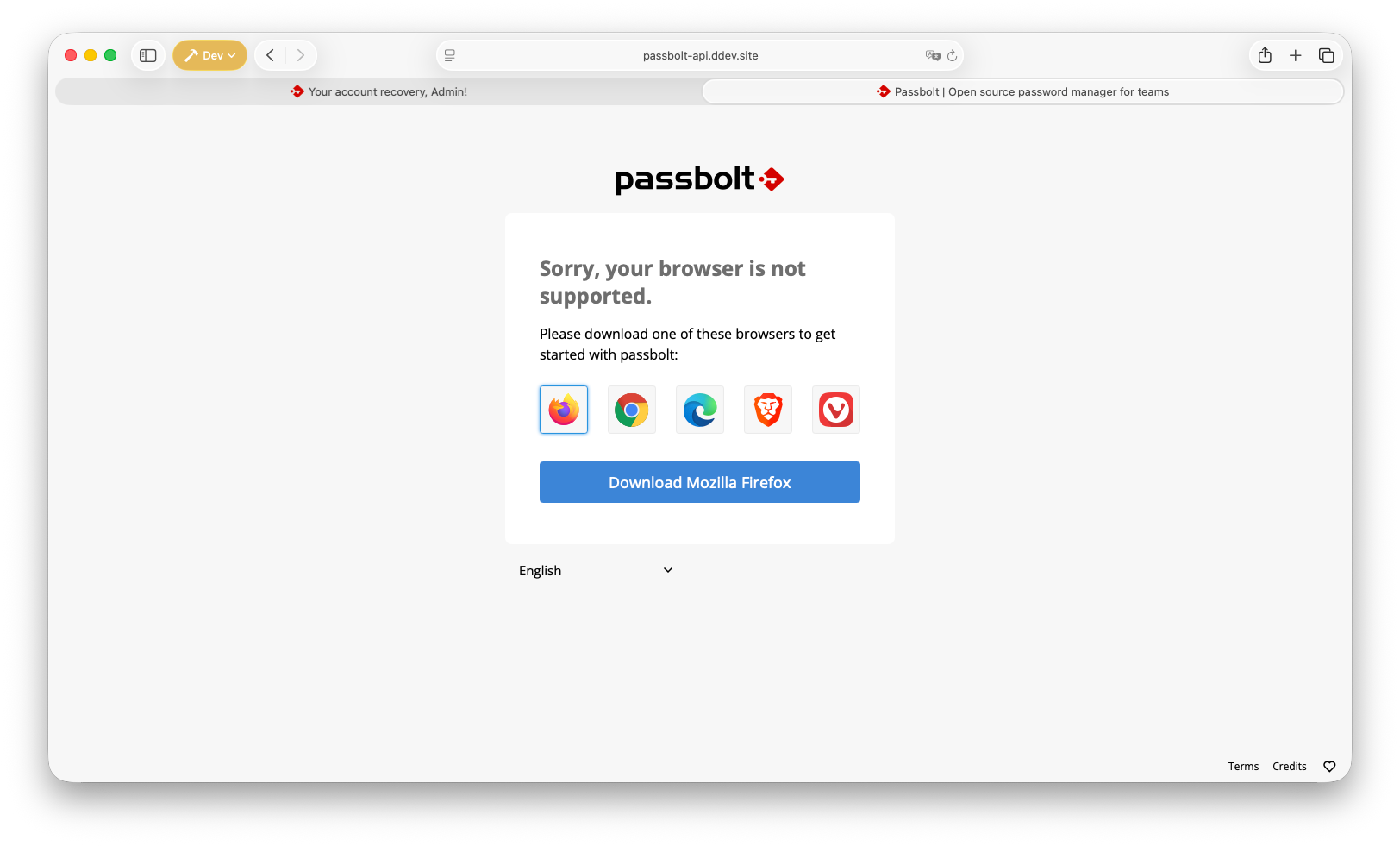
You may notice that Safari isn't listed there; that's expected! Safari support is still in beta testing and hasn't been officially listed yet. You can continue by following the TestFlight and Passbolt installation steps below.
Getting set up is straightforward, open this link on your Mac and follow the instructions.
You'll be prompted to download TestFlight, Apple's official beta testing app. Go ahead and install it.
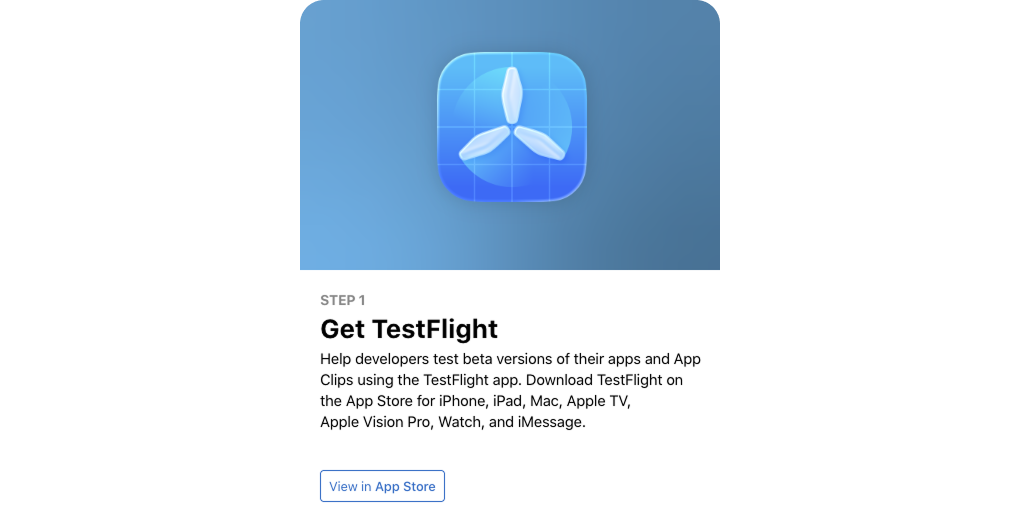
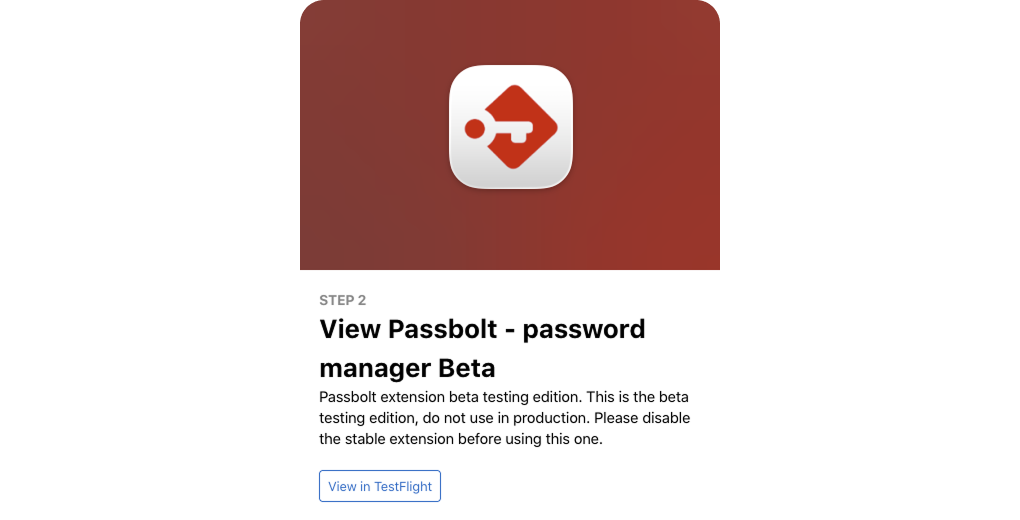
Once TestFlight is installed, the same page will show you a link to install Passbolt. Follow it, and Passbolt will appear in your TestFlight app.
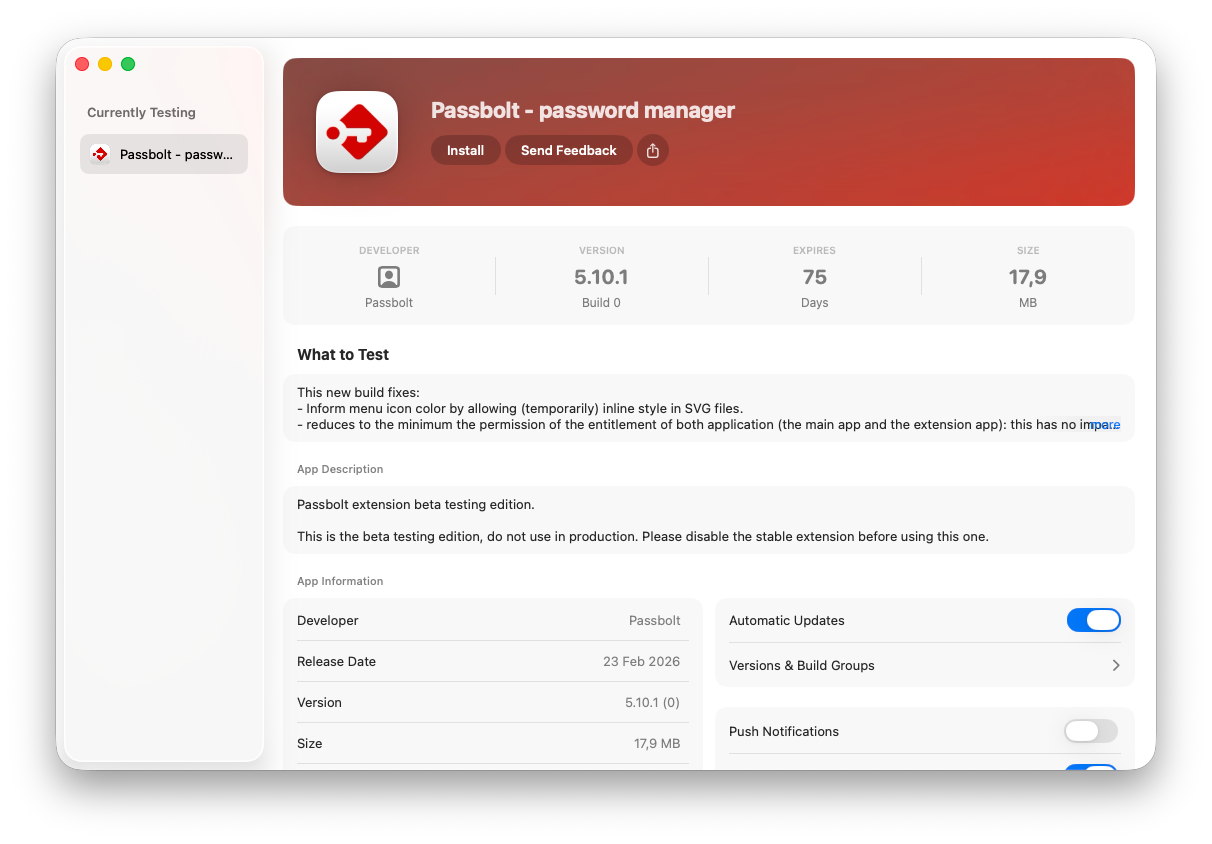
From TestFlight, click Install to download the app, then Open once it's ready.
Passbolt will open as a small macOS application with a single button. Click it, and it will take you directly to Safari's extension settings with Passbolt already selected.
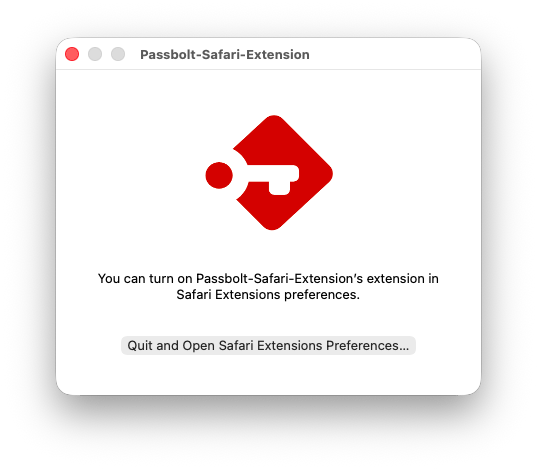
From there, simply toggle the extension on, and you're all set!
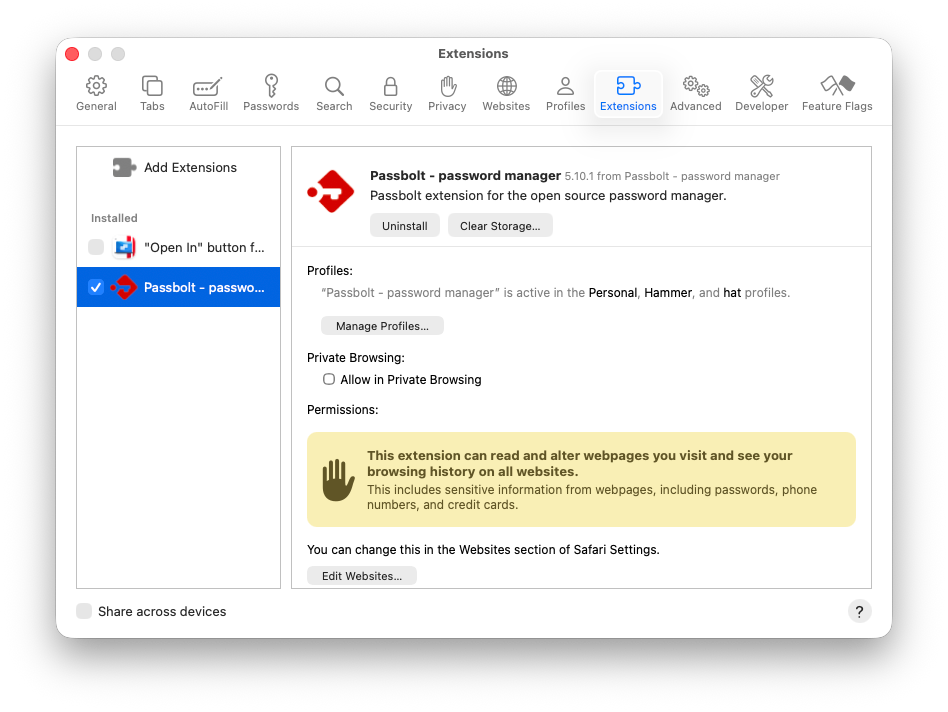
Once the extension is activated, the page listing the supported browsers should be refreshed automatically and lead you to the configuration of your account. If it’s not the case, you can refresh the page manually and it should start.
Building a Safari extension came with its own set of challenges, which is part of why it took us a while to get here. As a result, there are a few current limitations compared to the extensions available for other browsers:
We're really looking forward to hearing what you think! If you run into anything unexpected, have suggestions or want to share your love about it, please use the feedback tools built into TestFlight (it goes directly to us and helps us improve the experience for everyone) or reply to the community forum post.
Thank you for being part of this beta. 🙏
3 min. read
Discover the Passbolt n8n node for automating secure credential workflows, including secret sharing, onboarding, and password rotation, without compromising end-to-end encryption.

9 min. read
Manage secrets securely in Ansible with the newly rewritten Passbolt 5 lookup plugin. Support for encrypted metadata, account kits, TOTP, and custom fields is finally here. Explore the new architecture and try it out with our ready-to-use Docker playground.


 Made in Europe. Privacy by default.